Keywords: Learning Challenge, Origami

You can filter this page to certain types of posts:
Keywords: Learning Challenge, Origami
Posted by Nicholas Palmer | 0 comment(s)
Keywords: IDEL09
Posted by Carl Simmons | 2 comment(s)
Well week 1 is over and we’re into week 2 and the first reflection is how I’ve failed to keep the planned blog, which I know will help me with the studying (I used one in my first module and not in the second and noticed the difference). I could link this to work being really busy too but that’s just me making excuses so here’s an attempt at encapsulating the starting points for my thinking.
Keywords: design, pscel09, questions, socialmedia
Posted by Emma King | 0 comment(s)
I worked through the introduction and this took me to a section that explained the symbols used in the book for the various folds and moves. I was able to understand this reasonably well until I came across the inside and outside crimp. Still I was reasonably confident and decided to have a go with my current knowledge.
The tips were very useful and one was to use larger pieces of paper to start with. I have two sizes of paper nine and three quarter inches sq which is coloured oneside and white the other and five inches sq (came with the book) coloured bothsides.
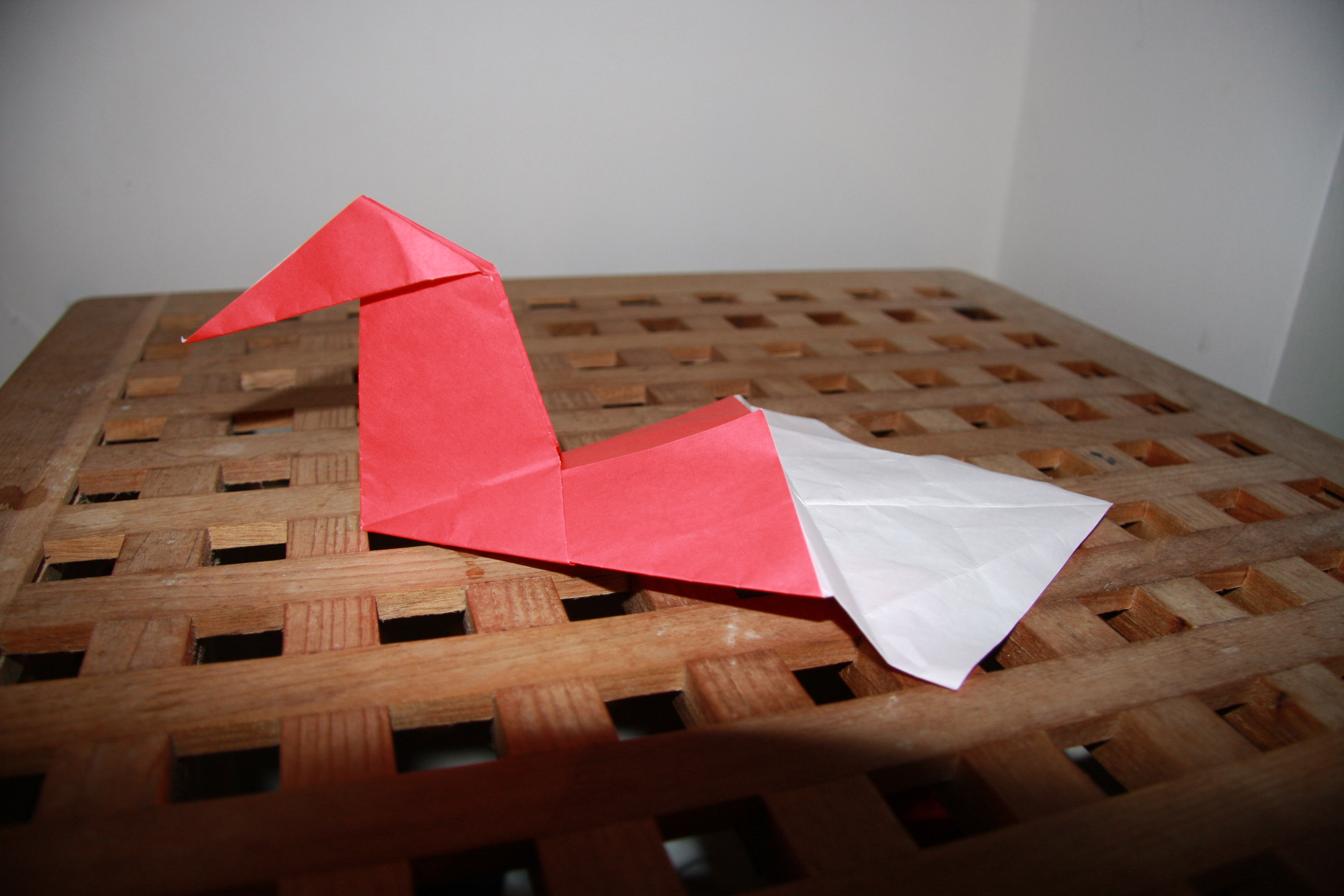
THe first thing I did was to create a kite base with the larger paper using a red piece first. After the base had been created I produced the simple duck. I struggled wioth the diagram a little but perseverance paid off and I took some photographs of the model (model taken from Origami Kit for Dummies). I then tried to create the more complex duck and this is where I was unable to fully understand the diagram at this point. After struggling for ten minutes I had a break. The overall session lasted 30 to 45 minutes and was partially successful.
The paper became vey crumpled with my efforts and I was left with a duck with a flat body, so it is time to try again.
First attempt Duck 1 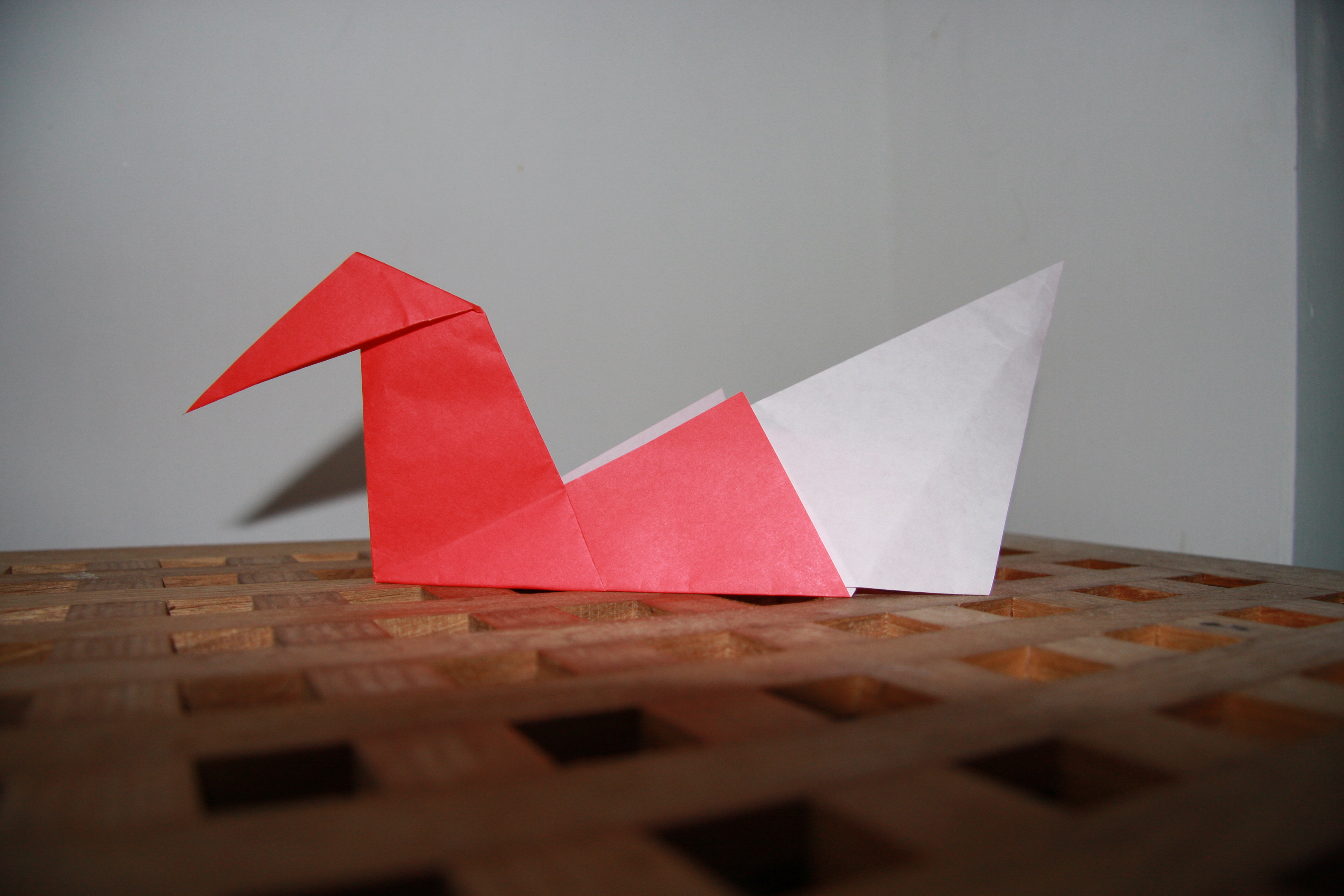
Collapsed attempt Duck 2
Keywords: Learning Challenge, Origami
Posted by Nicholas Palmer | 0 comment(s)
I am currently studying for an MSc in e-learning at Edinburgh University. I am on my fourth module which is understanding learning in digital environments. One of the assignments is a learning challenge and this blog will outline my experiences, thoughts and feelings whilst performing the learning challenge. I am going to learn how to create origami paper models. My previous attempts have got little further than paper darts or paper planesI tend to be all fingers and thumbs with these types of exercise.
I have chosen to learn how to make Origami figures for this challenge. Ther initial aim is to create a dragonfly (medium difficulty) and a beetle (challenging). I have decided to learn by 1) Working through the Origami Kit for Dummies by Nick Robinson - published John Wiley 2008. 2) websites and 3) videos from sites such as you tube.
The book is broken into three main sections
Introduction
Part 1 Coming to the crease: Basic Techniques
Part 2 Folding on: The Models
Part three: The part of Tens
I first looked atpart three which consists of three chapters 1) Ten Top Tips 2) Ten Origami Styles and 3) Ten Incredible folders ( a summary biog for ten famous Origamists)
It gave me a feel for the subject and those who excel at it. This also points the way to a number of websites which I have not looked at yet.
Lets get on with the folding!!!
Keywords: Learning Challenge, Origami
Posted by Nicholas Palmer | 0 comment(s)
Posted by lesley ferguson | 0 comment(s)
Welcome to a new academic year, and to the holyroodpark.net blog space, one of the core environments for the MSc in E-learning! Please don't hesitate to get in touch with Jen Ross, the programme technical co-ordinator, if you have any questions or need any help getting set up.
Her contact details are in the technologies handbook.
Keywords: welcome
Posted by Holyroodpark Admin | 2 comment(s)
a test post to ensure integration with bubbl.us.
a bubbl.us brainstorm can be given as a read-only url: see here for an example - this works best for larger diagrams
alternatively, for smaller diagrams, exporting it from bubbl.us. as a jpeg, it can then be uploaded to your holyroodpark.net files and then inserted as an image like so (recommending a size of approx 500x500):

Posted by Pete Evans | 0 comment(s)
Keywords: linking testing storytlr
Posted by Sian Bayne | 0 comment(s)