Log on:
Powered by Elgg

Blog :: All

You can filter this page to certain types of posts:

January 09, 2012

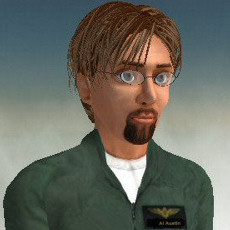
Let me introduce myself.. Austin Tate ... and my virtual worlds avatar... Ai Austin

Austin Tate  Ai Austin

In Semester 1 of 2011/12 I took the following MSc modules: "Introduction to Digital Environments for Learning", "e-Learning and Digital Cultures" and "Understanding Learning in On-line Environments".

In Semester 2 of 2011/12 I will take the following MSc module: "Introduction to Game-based Learning" and a "Custom" module in lieu of "Research Methods" which will prepare the way for my MSc dissertation related to AI Classroom Assistants and Mixed-Initiative Learning Approaches.

Keywords: EDIDGBL, Introduction

Posted by Austin Tate | 0 comment(s)

December 08, 2011

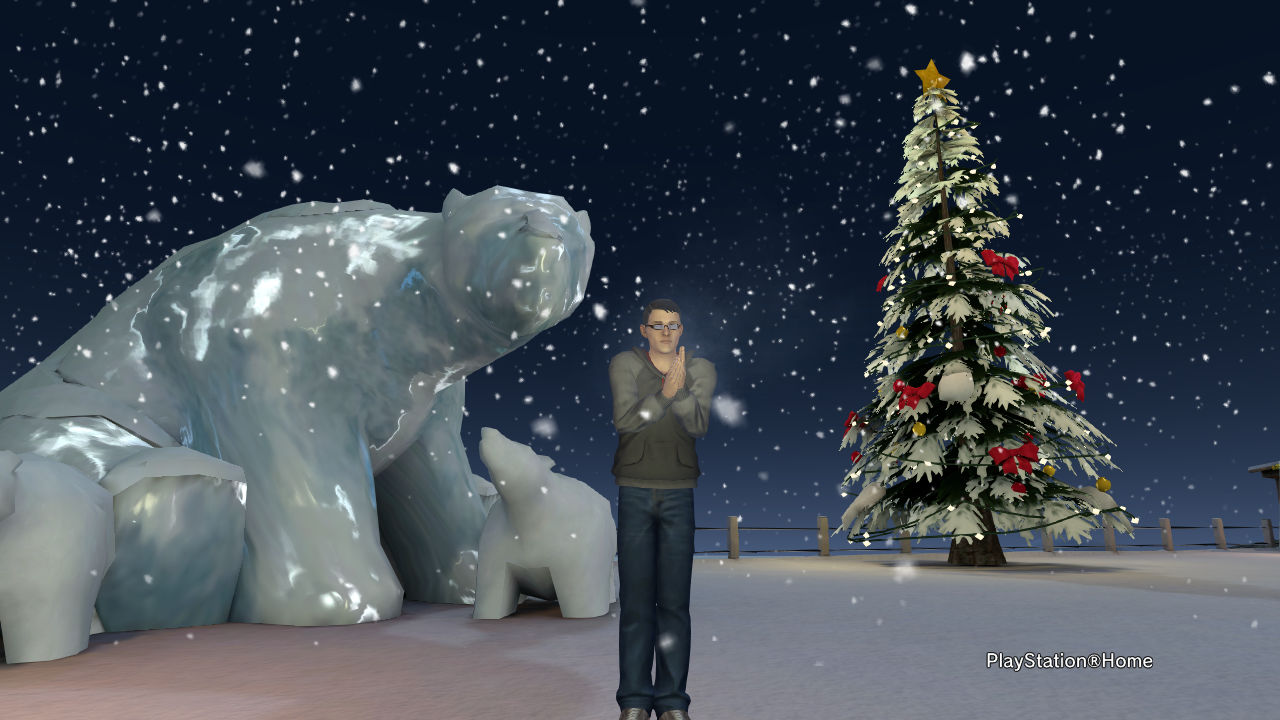
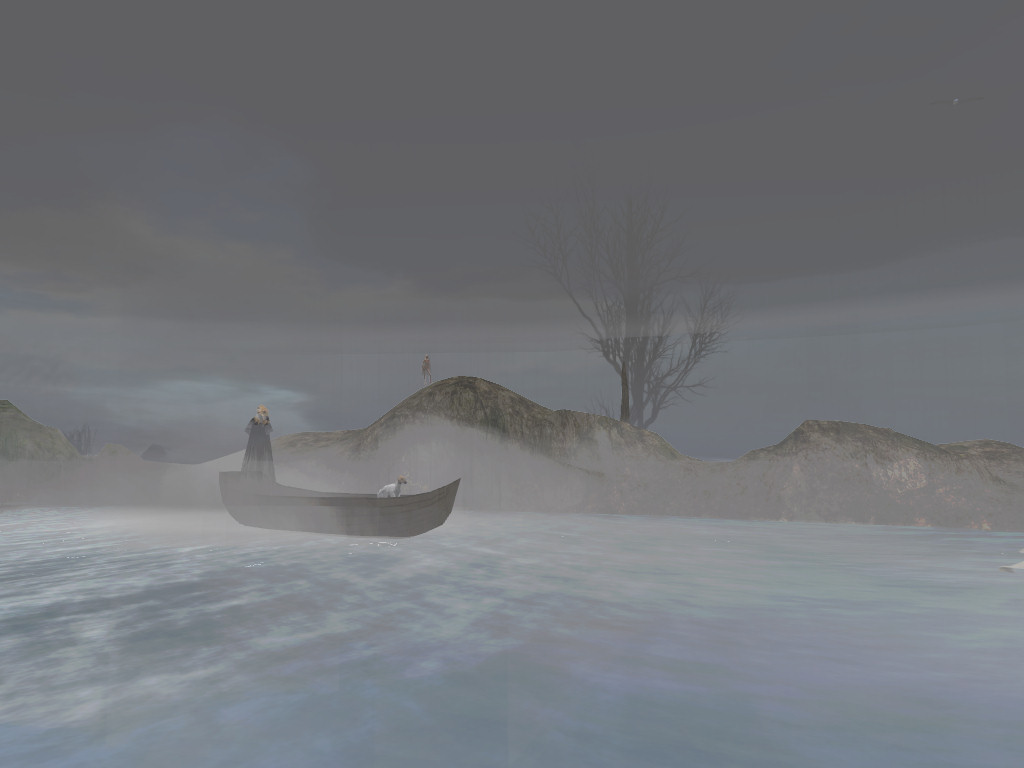
Its chilly in Sony Home ...

Keywords: IDEL11, Sony Home

Posted by Austin Tate | 0 comment(s)

December 07, 2011

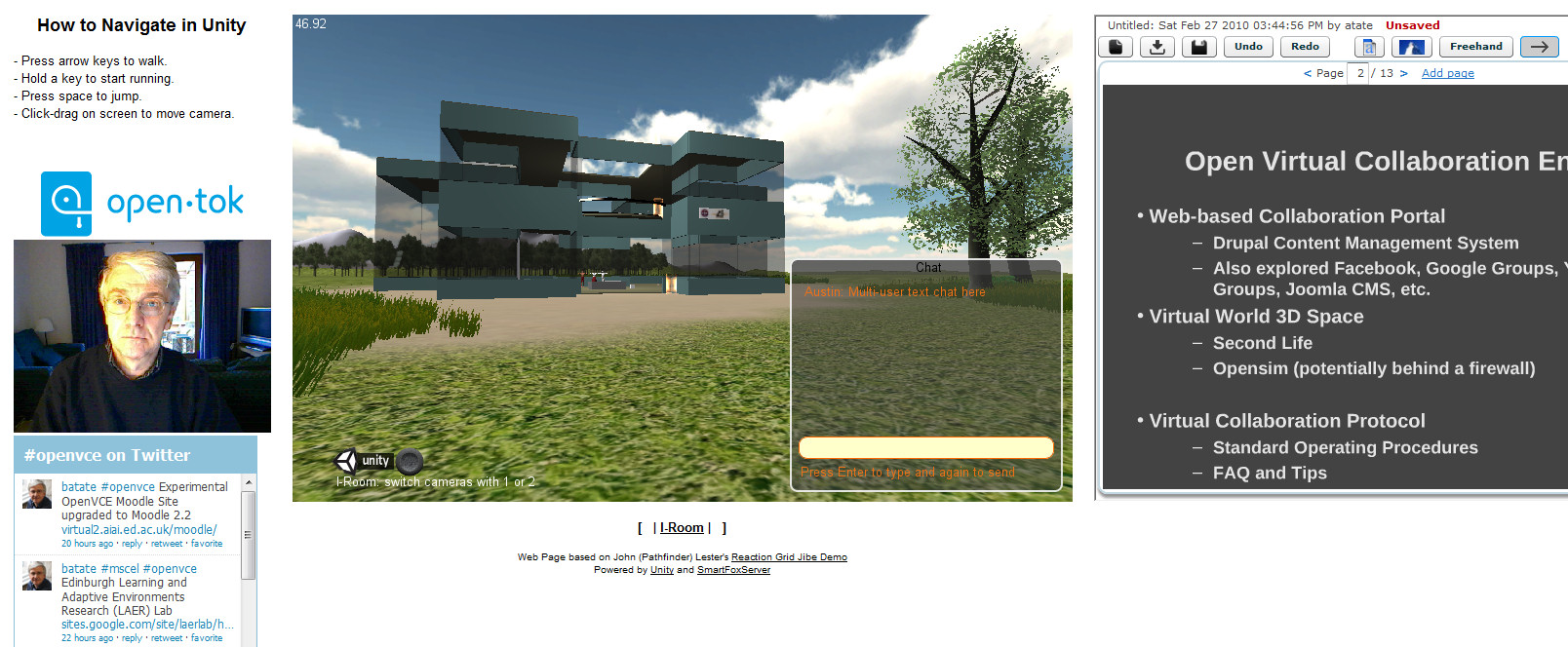
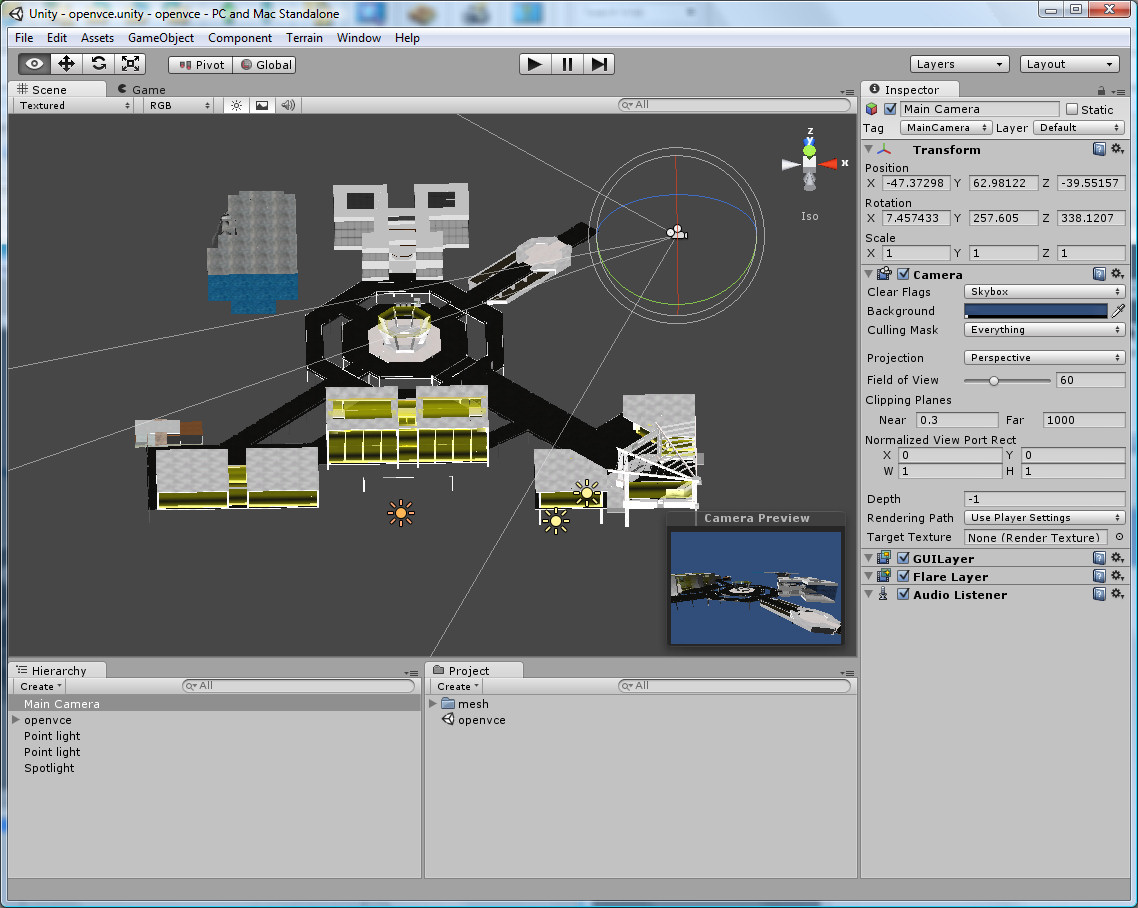
A number of people are investigating Unity3D as a 3D graphics engine for virtual worlds. It can be delivered through a web browser on a range of platforms including mobile devices. It might offer a light weight alternative to Second Life and OpenSim.

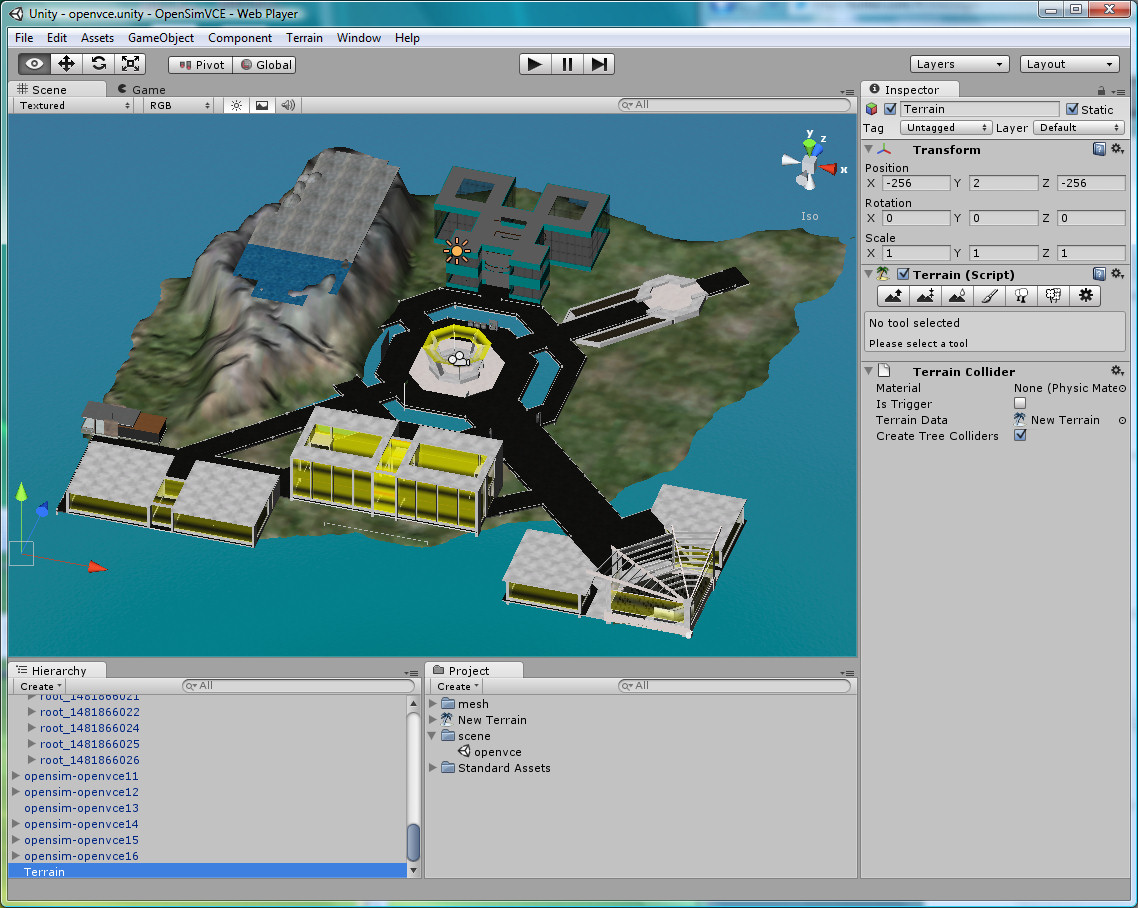
I have created a simple I-Room from scratch, built that into a complex Unity3D terrain and incorporated very simple avatars as an exercise in learning about Unity3D.  I have also experimented with two different multi-user server addons - SmartFox Pro and Photon. I have embedded the Unity3D virtual world view into a web page alongside collaboration widgets to provide Twitter following of a given #tag, VoIP via Tokbox, and a Dabbleboard for showing presentations and giving a shared whiteboard. The demo systems are all available via http://www.aiai.ed.ac.uk/~ai/unity/

Even better, there are a number of groups interested in content exchange from OpenSim to Unity3D. An example is the recent conversion of the OpenVCE collaboration region which was originally on the Second Life VCE region, ported to OpenSim and then converted through Tipodean's Collada Converter for use in Unity3D. It is now available for use under the flexible Lesser GPL licence.

Keywords: Collada, IDEL11, Tokbox, Unity3D

Posted by Austin Tate | 0 comment(s)

December 06, 2011

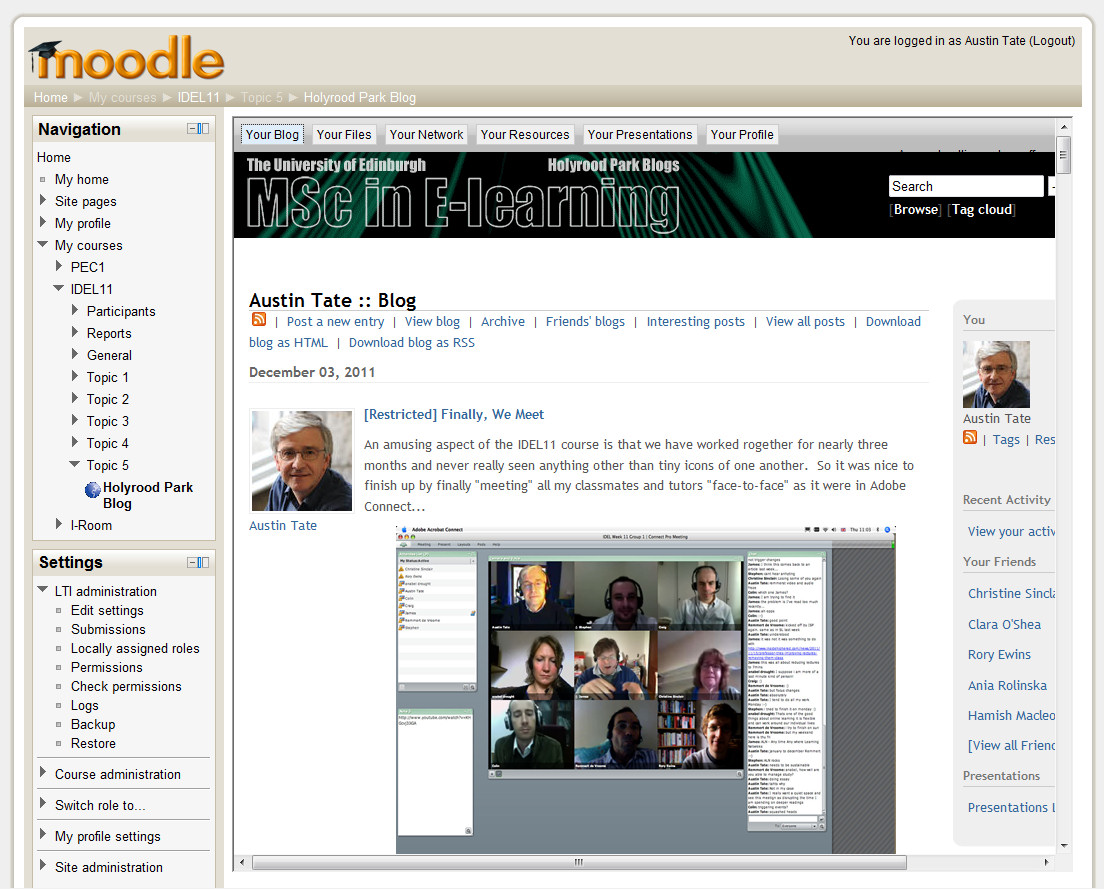
Moodle 2.2 released today (6-Dec-2011) includes a facility which allows for the embedding of tools that are provided externally as activities on courses.  Close integration is possible using the IMS Global Learning Tool Interoperability (IMS LTI) standard. See http://www.somerandomthoughts.com/blog/2011/11/28/moodle-2-supports-connecting-to-ims-lti-tools/

But the same mechanism allows for effectively any external tool to be easily embedded (above showing the Edinburgh MSc in e-Learning IDEL11 Course Holyrood Park ELGG Blog).  The simple mechanism just means you input the URL from which the tool or contents are served.  More advanced facilities allow for proper IMS LTI integration. See the image of the advanced version of the tool options.

Keywords: IDEL11, IMS LTI, Moodle

Posted by Austin Tate | 0 comment(s)

December 01, 2011

Posted by anabel drought | 2 comment(s)

November 30, 2011

On my research project related to supporting the OpenVCE communities at http://openvce.net/ I was engaged in setting up a new group portal on the APAN (All Partners Access Network) hosted by the US Government for non-classified work between government agencies, NGOs, organisation and individuals across the world. This replaces the previous HarmonieWeb portal. the APAN network uses the Telligent Collaboration framework to provide the usual blogs, discussion forums, wikis, group chat, etc. And then provides an Adobe Connect service attached to that for the supported communities. We provide "web observer" meeting access to virtual words meeting spaces via Adobe Connect services through these portals.  I was involved in a number of training programmes and setup exercises as I took on the group owner role on APAN.

I did some further experimentation with the Unity3D platform, and used a Collada mesh translation of the OpenVCE OpenSim region buildings created via a converter service from Tipodean technologies in the USA.  We are further experimenting also with the OpenSim-based MOSES grid hosted by the US Government also for work with non-government agencies internationally.

We believe that a combination of the APAN OpenVCE Group for a community web portal and a simplified meeting space in either the OpenSim-based MOSES grid or on a Unity3D setup might offer a long term stable basis for continuing work in the OpenVCE.net community.  Currently a Drupal server at Edinburgh is used for the community web portal, and the virtual words service is hosted on the VCE region in Second Life.

Keywords: Adobe Connect, APAN, HarmonieWeb, IDEL11, OpenSim, OpenVCE, Unity3D

Posted by Austin Tate | 0 comment(s)

November 25, 2011

With kind support from Edmund Edgar I have been experimenting with the "Demo Object" in SLoodle, which is a stub or template for developing customised objects in Second Life or OpenSim which can connect with a corresponding module in the Moodle VLE.
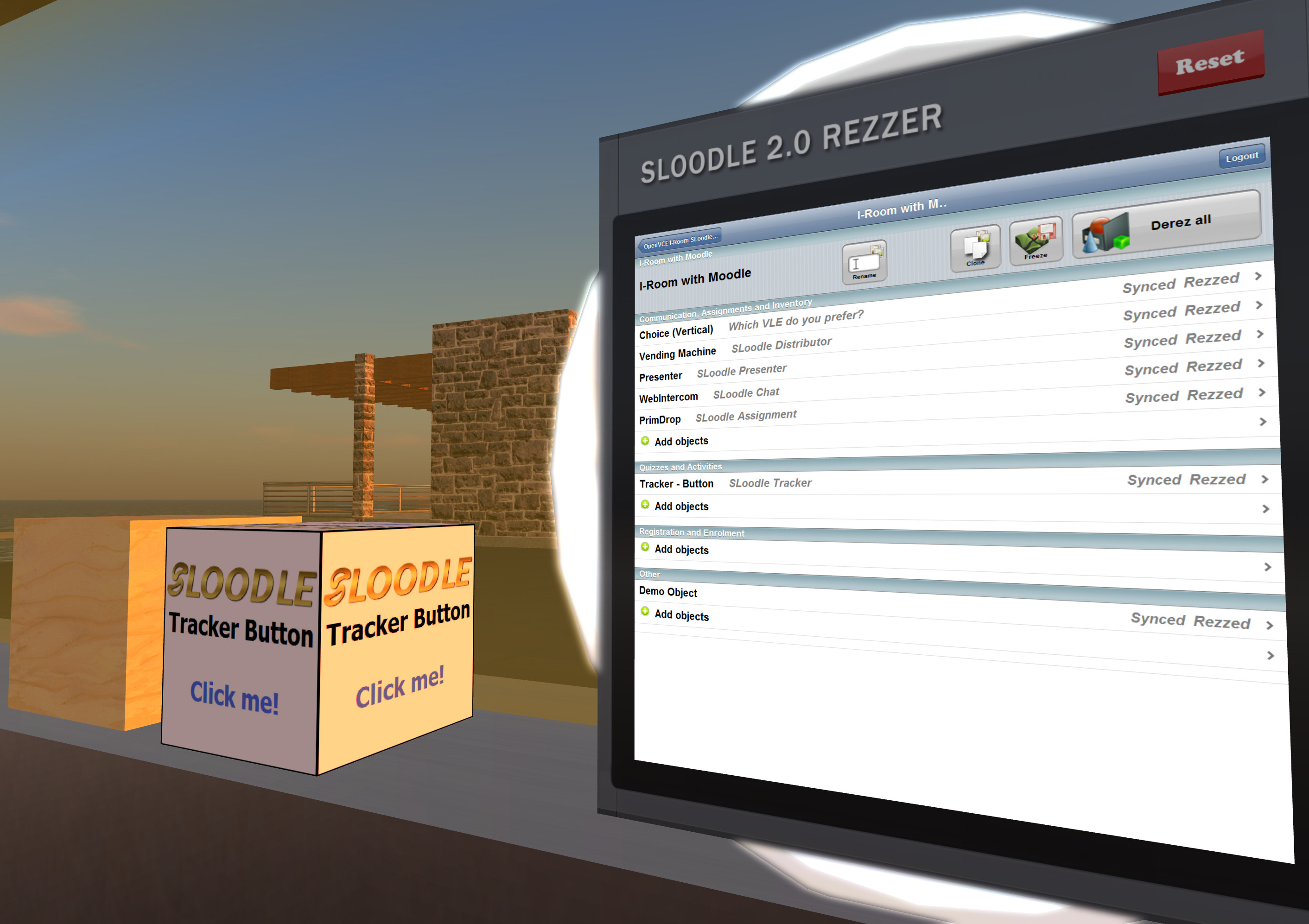
Moodle Module Setup

The Moodle "demo-1.0" module is in the standard SLoodle distribution - I am using version 2.0.10 alpha. And can be found in mod/sloodle/mod/demo-1.0.  The object_definitions/default.php script should be altered to "show" the object in the inworld Rezzer.

Edmund Edgar points out:

Note that if you have syntax errors in an object definition file or extra whitespace outside the PHP brackets, lots of things will break.

The in-world object will need an extra script:
         .../mod/sloodle/mod/set-1.0/sloodle_rezzer_object.lsl
which deals with setting up communication with the server, and sends linked messages to any other scripts in it with information about the Moodle server it needs to connect to, and any other configuration parameters it might have.

Inworld Object Setup

  1. An object should be created in world with default name "SLOODLE Demo Object" or an alias "SLOODLE 1.1 Demo Object" both of which are permitted by settings which act as exemplars in object_definitions/default.php
  2. Into this object, two scripts should be placed. One is obtained from .../mod/sloodle/mod/demo-1.0/sloodle_mod_demo-1.0.lsl The other is a generic script and can be obtained from .../mod/sloodle/mod/set-1.0/sloodle_rezzer_object.lsl. These are the base that can be used to create a custom module.
  3. Set the permissions of the in world object and its scripts as appropriate and then take a copy into inventory. 
  4. Drop that object into the contents of the inworld SLOODLE Rezzer.

You should now be able to use the Rezzer as normal to select an appropriate SLOODLE controller and scene, and then under "Other" objects you will find the "Demo Object"  which you can add to the scene.   After it rezzes in a default position close by the Rezzer, reposition it where you want, and then hit the "Freeze" button on the Rezzer screen to sync the current position of the scene objects.

Other Templates

There are some other objects in the SLoodle kit which can also act as guides, such as the "SLOODLE Tracker Button" which when clicked in world communicates with a Moodle module and gives a message back.

Current Status

At the time of writing I have the SLOODLE Demo Objects rezzing from the SLOODLE Rezzer, but don't yet have Moodle responding through it. Testing continues.

Posted by Austin Tate | 1 comment(s)

November 24, 2011

Also see

Space Navigator device I mentioned:

Keywords: IDEL11, Second Life

Posted by Austin Tate | 0 comment(s)

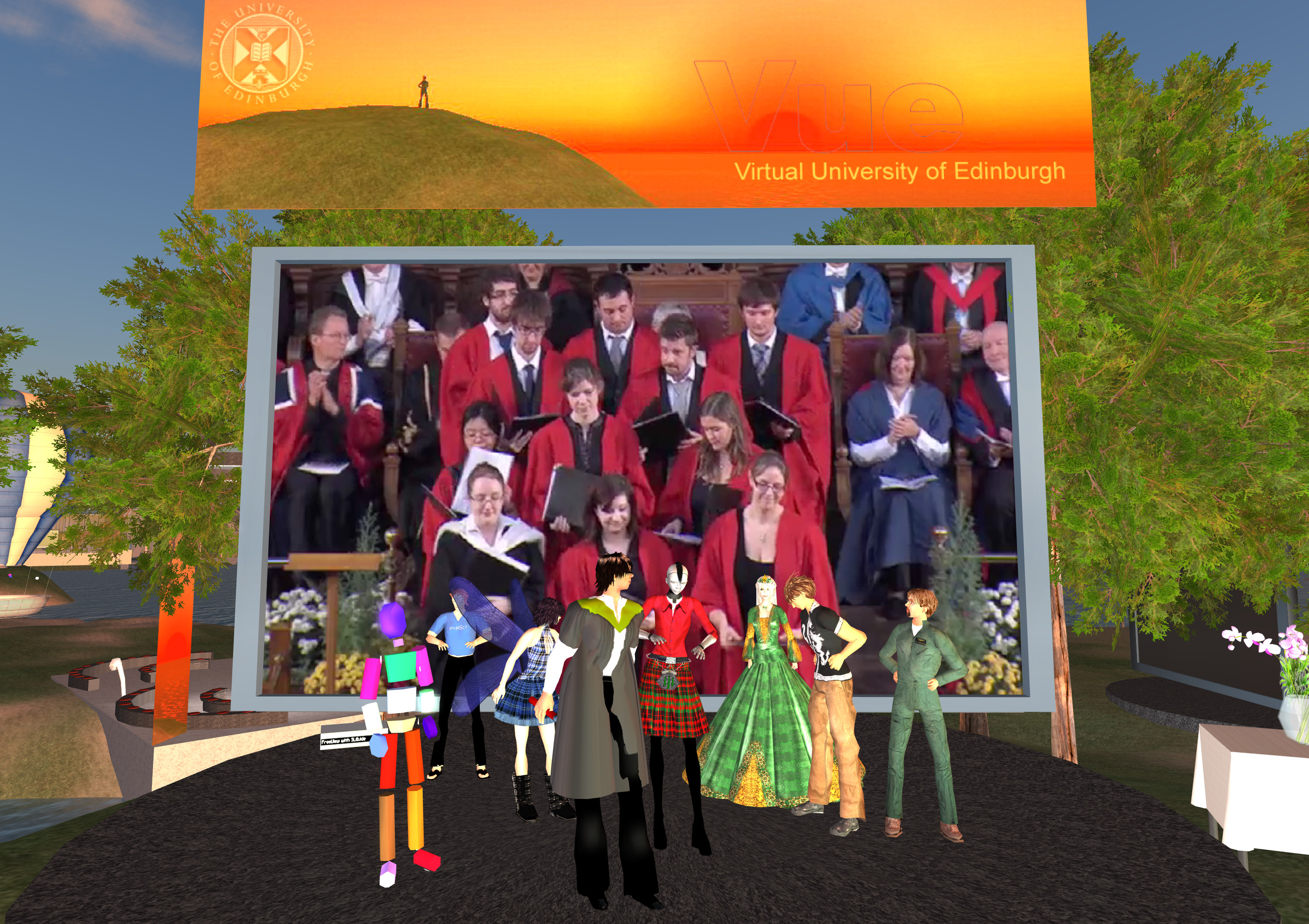
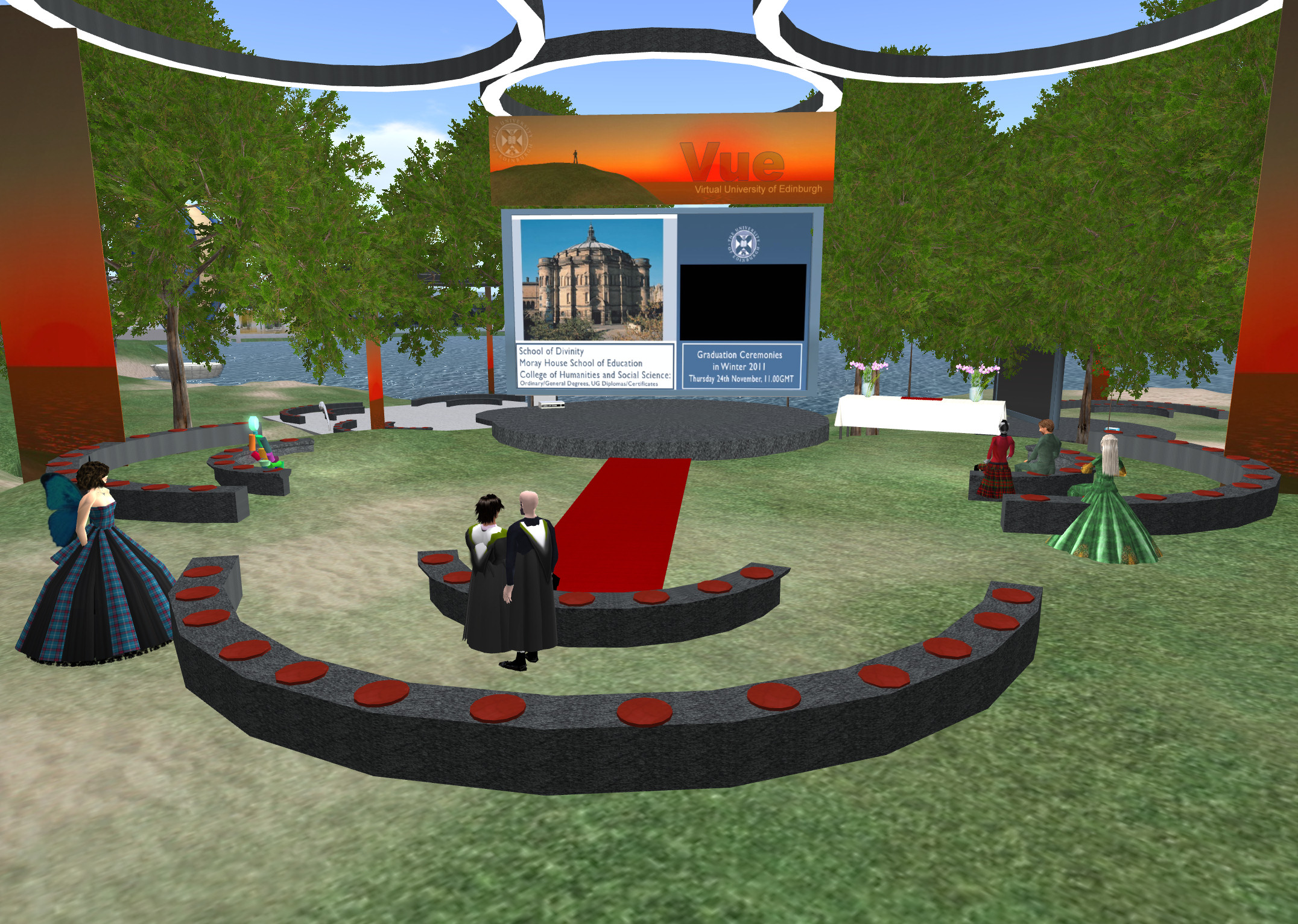
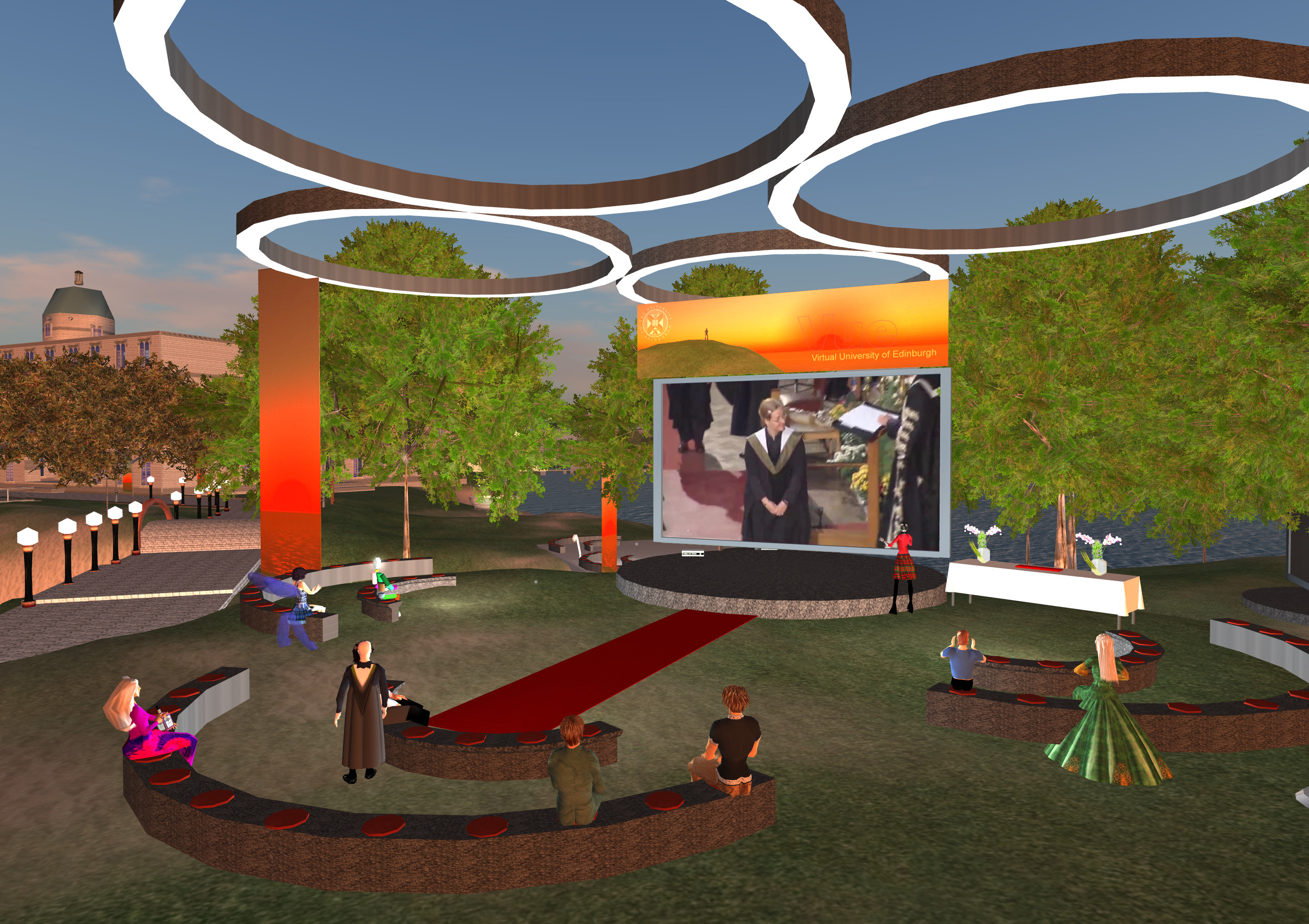
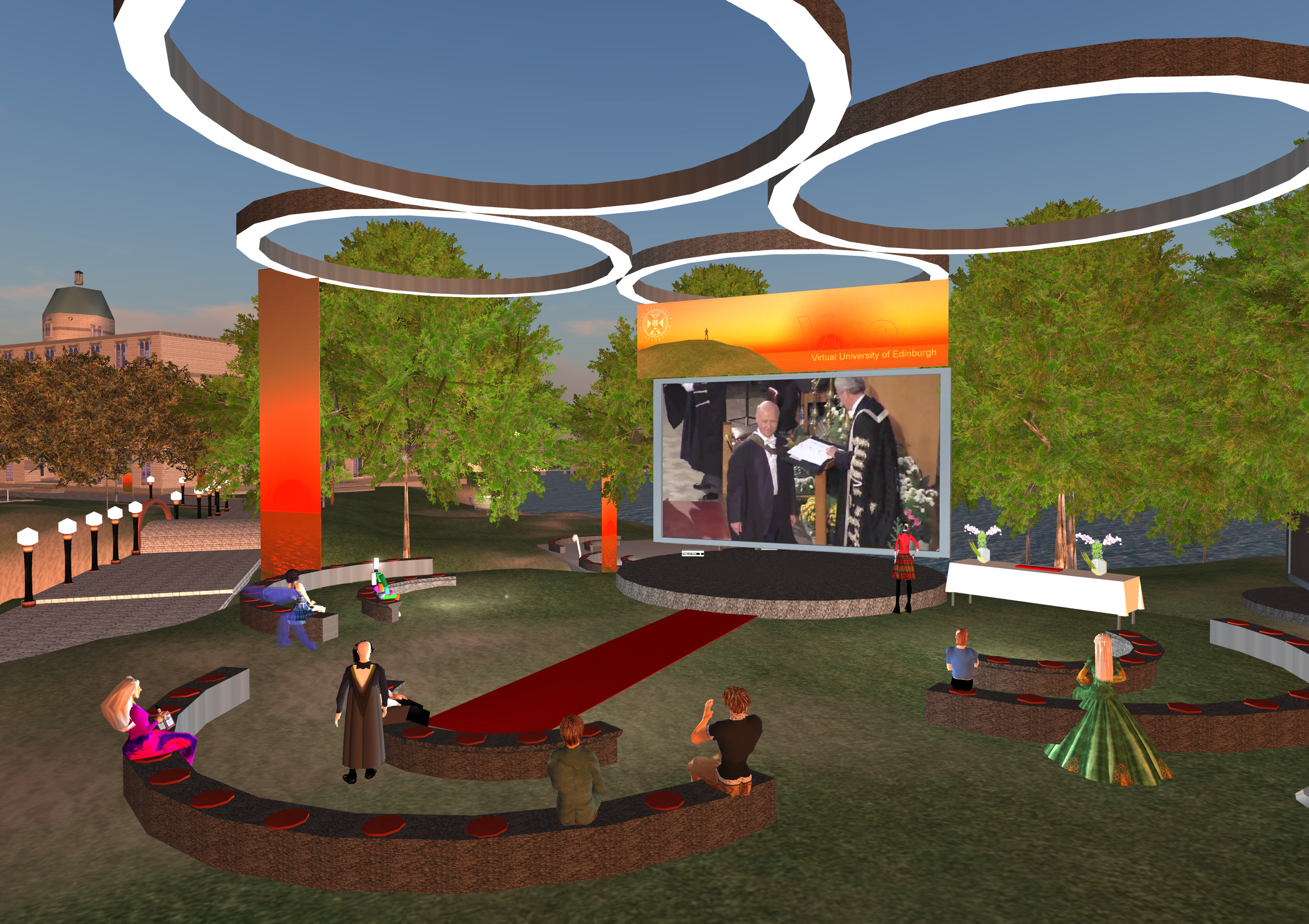
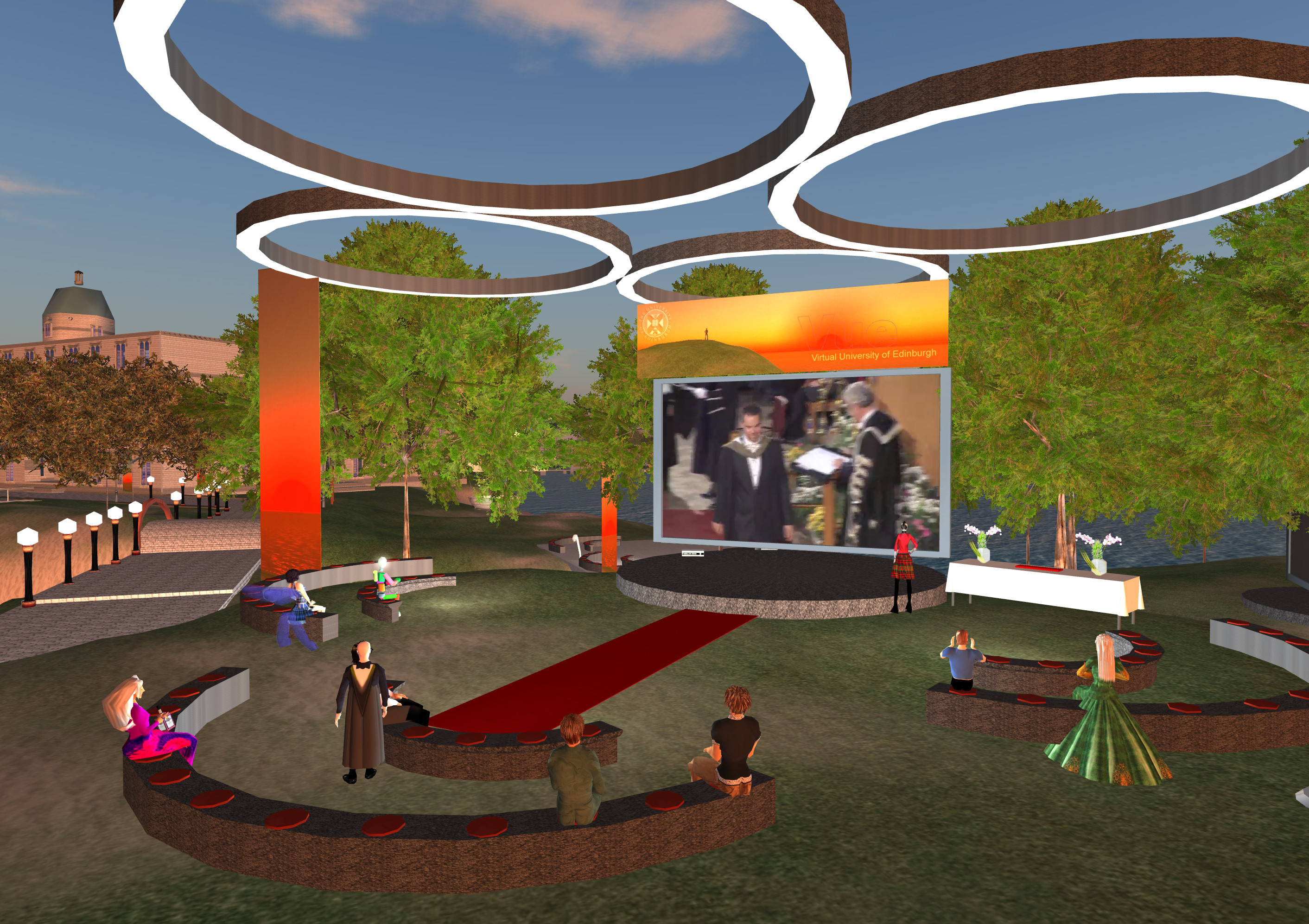
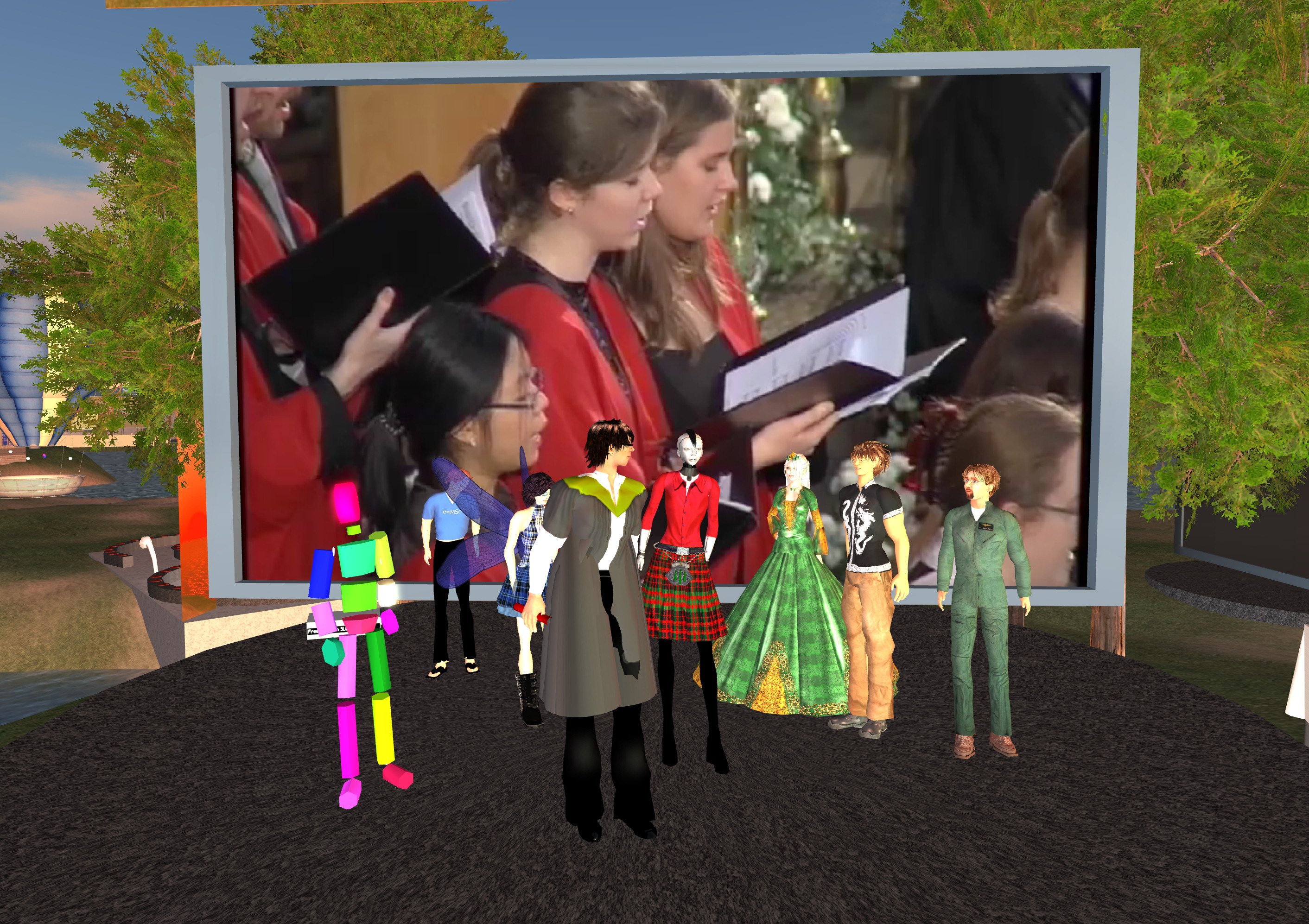
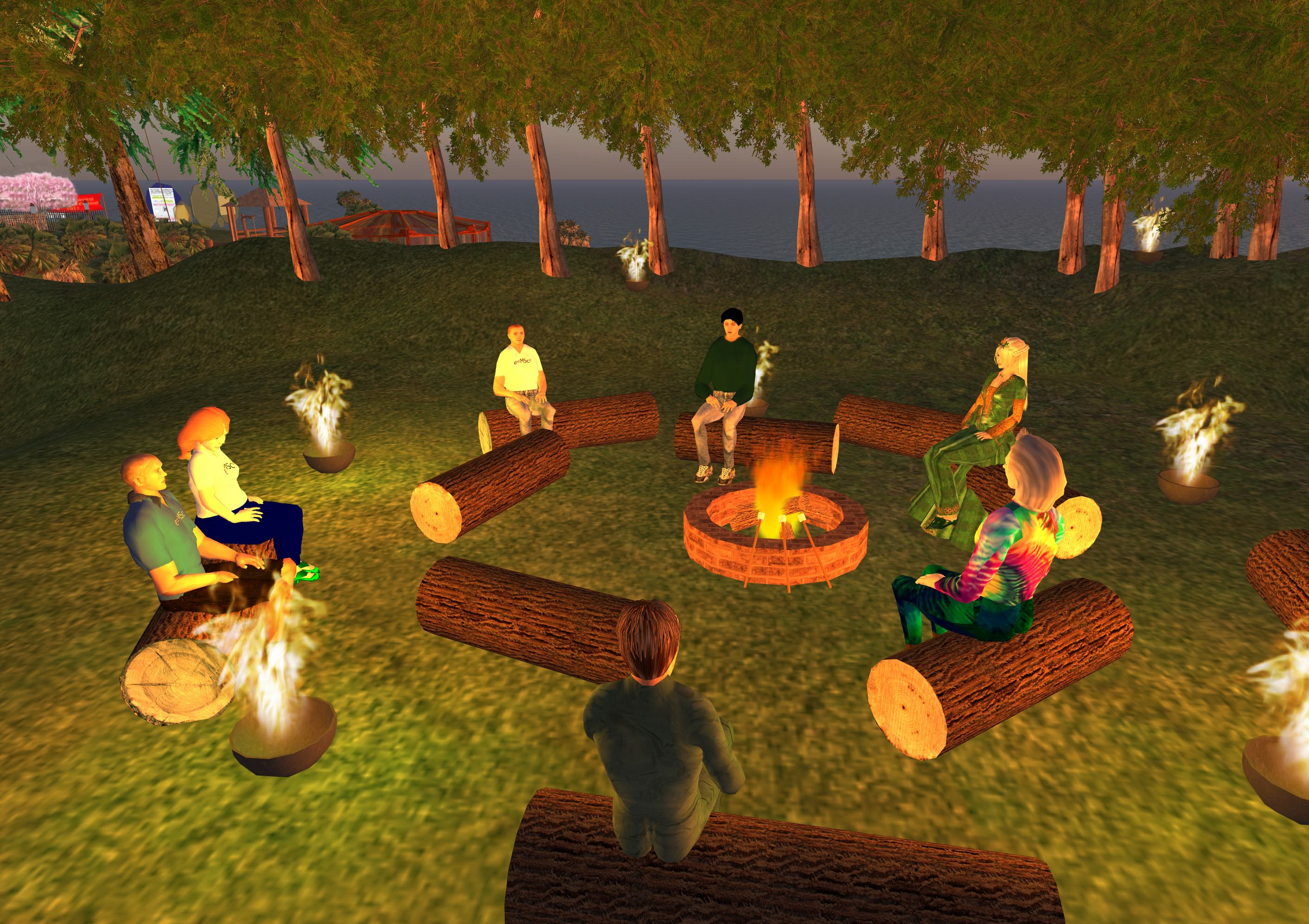
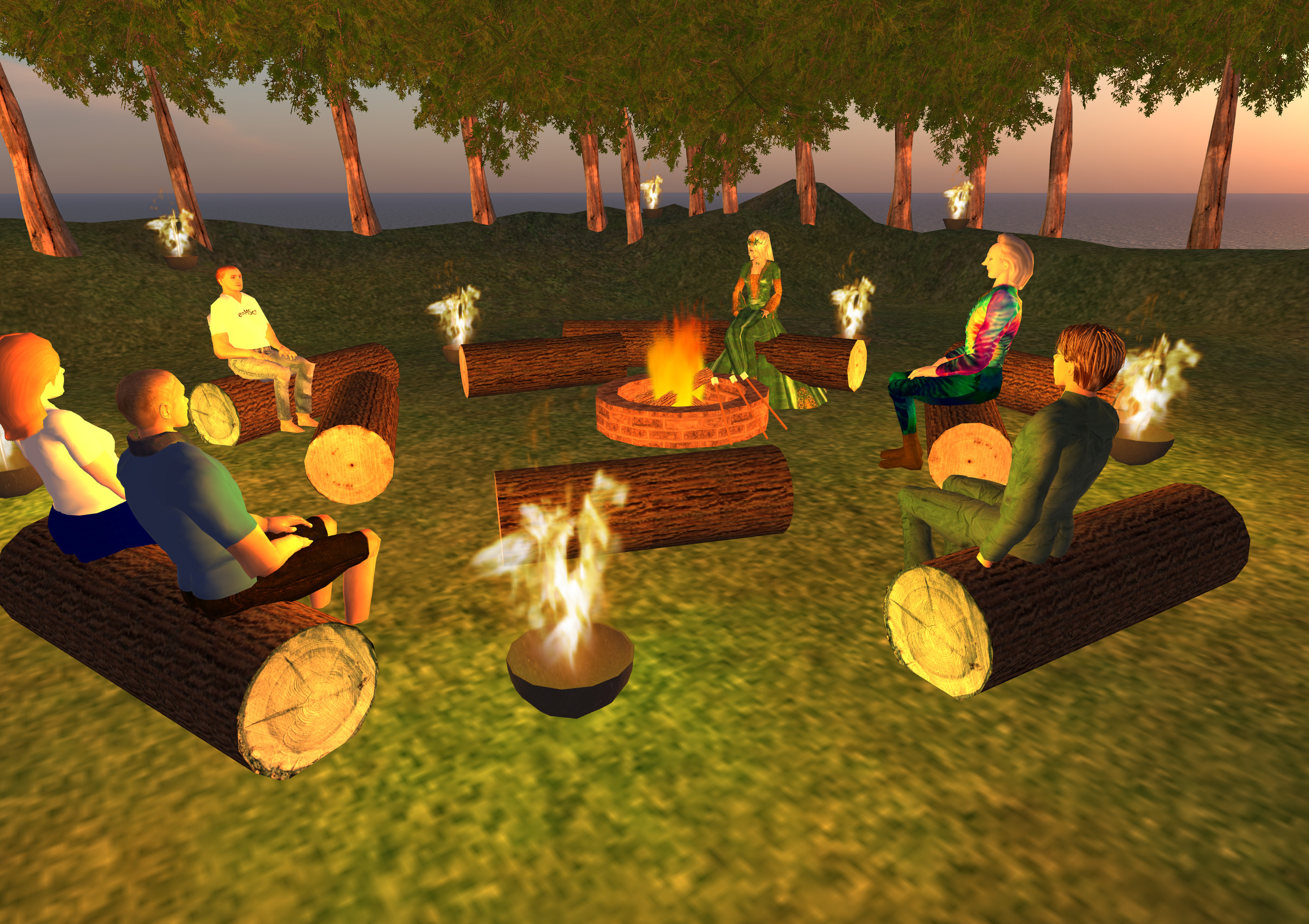
All images for the MSc in e-Learning graduates, and some overview shots are at http://atate.org/mscel/virtual-grad/


Keywords: IDEL11, Virtual Graduation

Posted by Austin Tate | 0 comment(s)

November 18, 2011


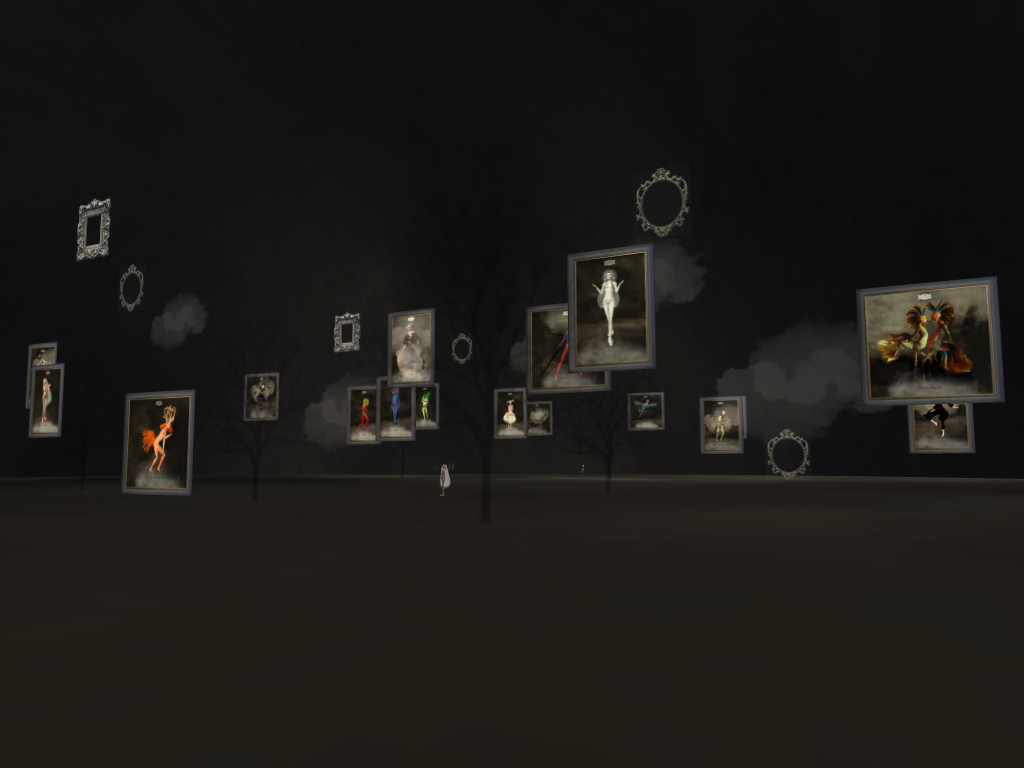
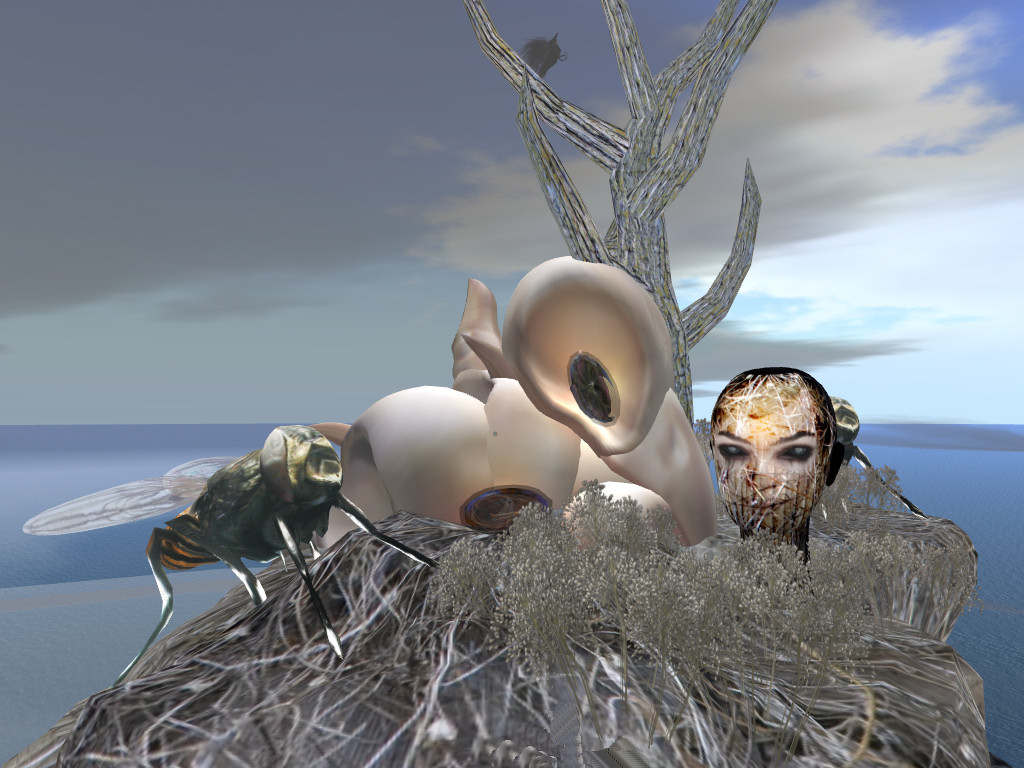
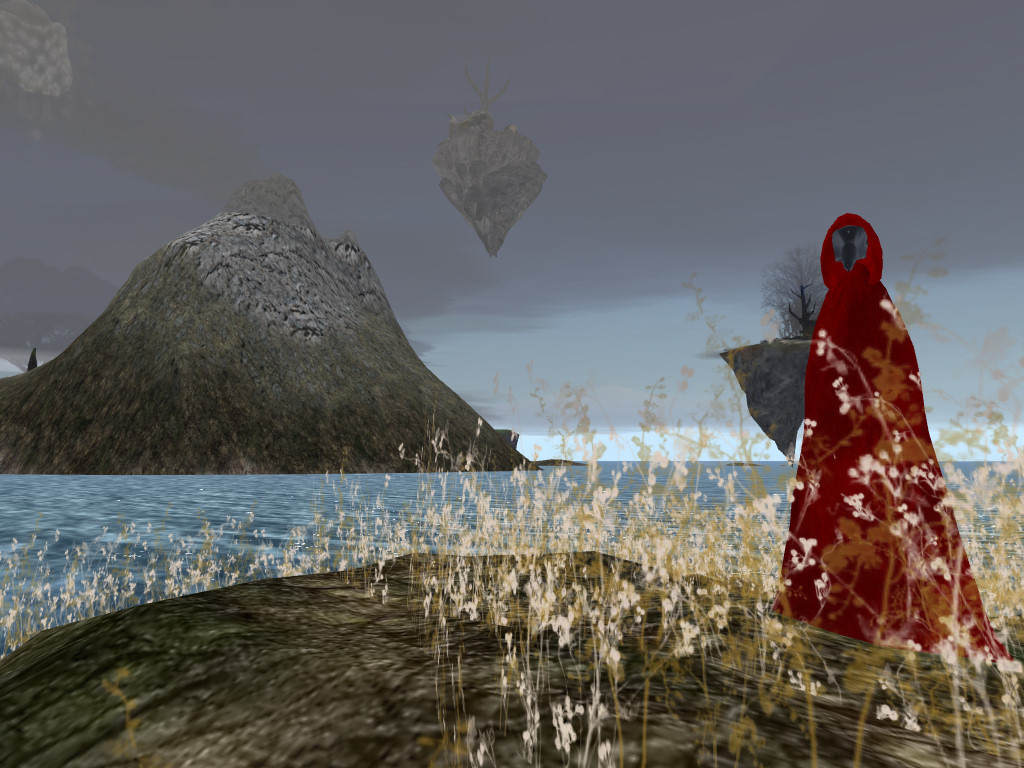
A very beautifully designed Second Life region is worth exploring. I suggest you arrive in the Meta_Body area first. Use this teleport link:

Look at the (freely available) avatars to explore your identity and see which feel strange to you, and some which might appeal. There are a few male and more female avatars available to try. Select the strangest before you embark on a tour of the lovely areas which are on the land surface, on small islands, on sky islands, and underwater. Sit for a while on some of the areas. Click on things to see what they do.

Eventually find your way to a white ice themed area with a lady playing a white piano. Try touching the black "Omega Star Dream 5" sphere for an animated tour through some of the lower elements of the region. If you cannot find this use this SLurl to get there directly:

[Reposted from EDEDC Digital Cultures Blog]

Keywords: IDEL11, Second Life

Posted by Austin Tate | 0 comment(s)

<< Back Next >>