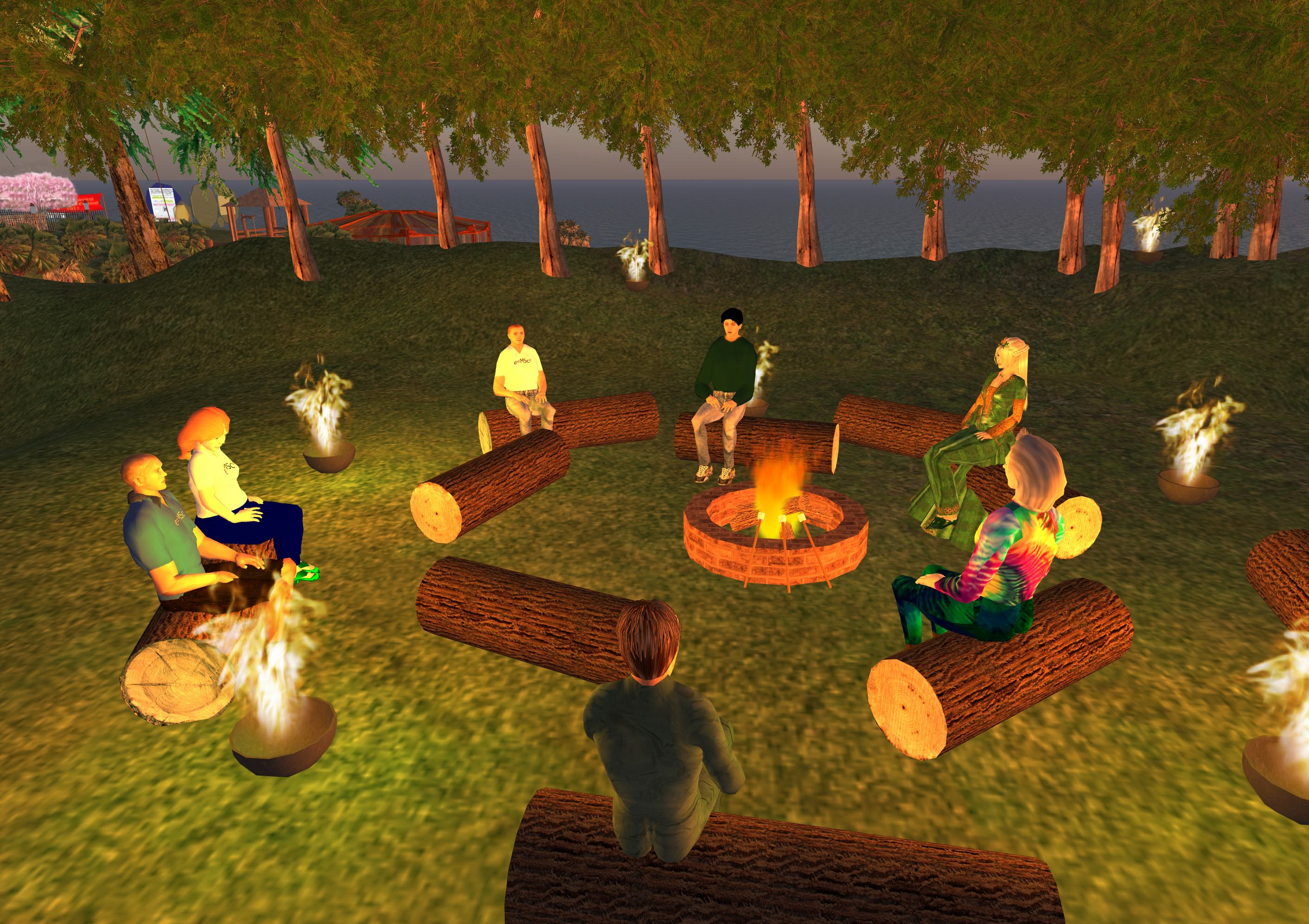
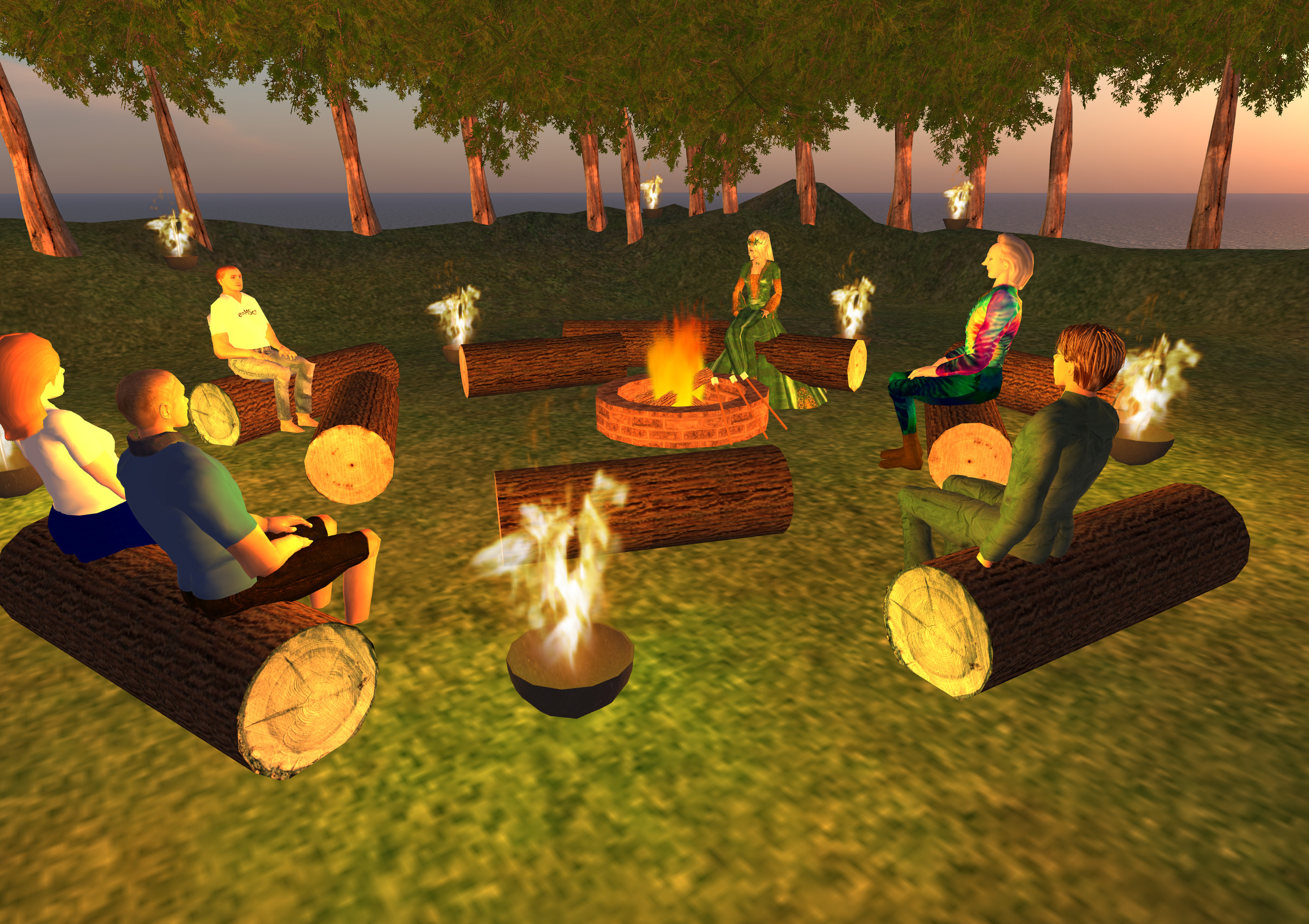
Its chilly in Sony Home ...

Keywords: IDEL11, Sony Home


| View blog | Archive | Friends' blogs | View all posts
Posted by Austin Tate | 0 comment(s)
A number of people are investigating Unity3D as a 3D graphics engine for virtual worlds. It can be delivered through a web browser on a range of platforms including mobile devices. It might offer a light weight alternative to Second Life and OpenSim.
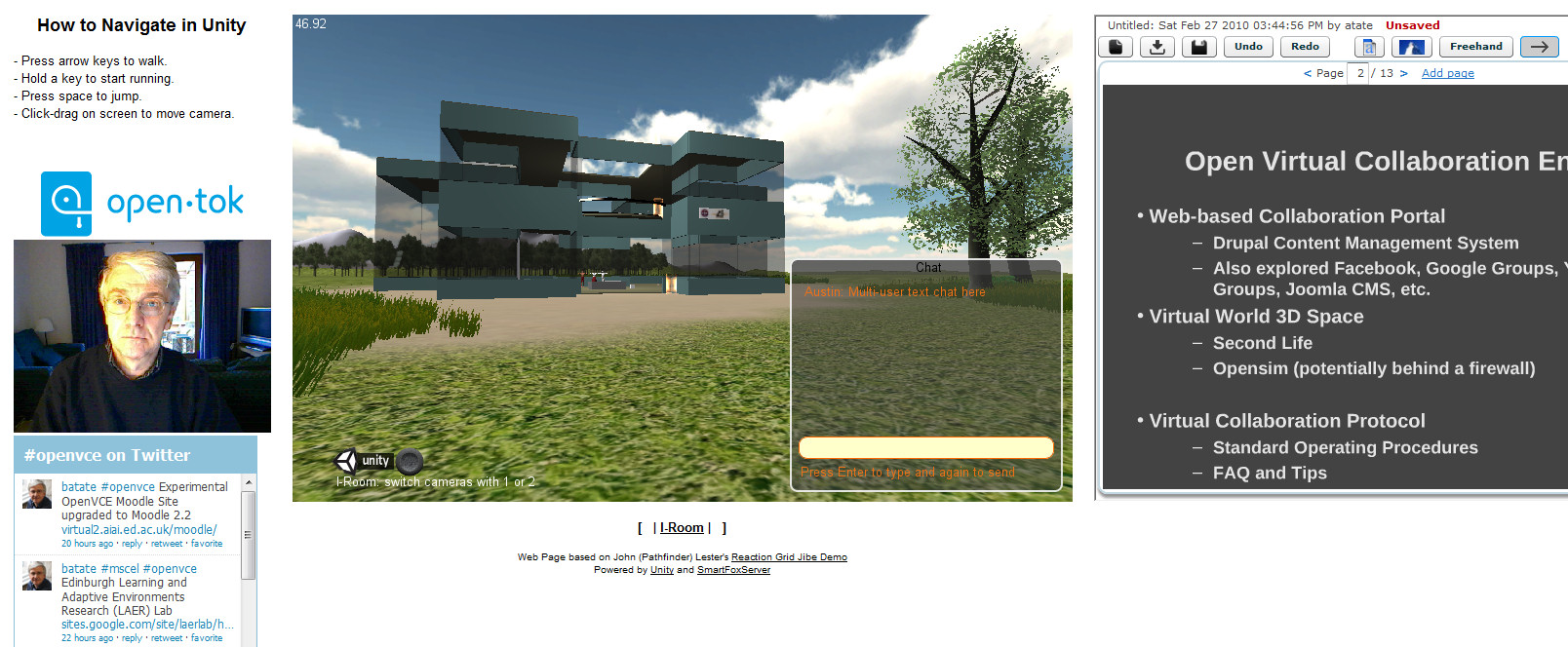
I have created a simple I-Room from scratch, built that into a complex Unity3D terrain and incorporated very simple avatars as an exercise in learning about Unity3D. I have also experimented with two different multi-user server addons - SmartFox Pro and Photon. I have embedded the Unity3D virtual world view into a web page alongside collaboration widgets to provide Twitter following of a given #tag, VoIP via Tokbox, and a Dabbleboard for showing presentations and giving a shared whiteboard. The demo systems are all available via http://www.aiai.ed.ac.uk/~ai/unity/
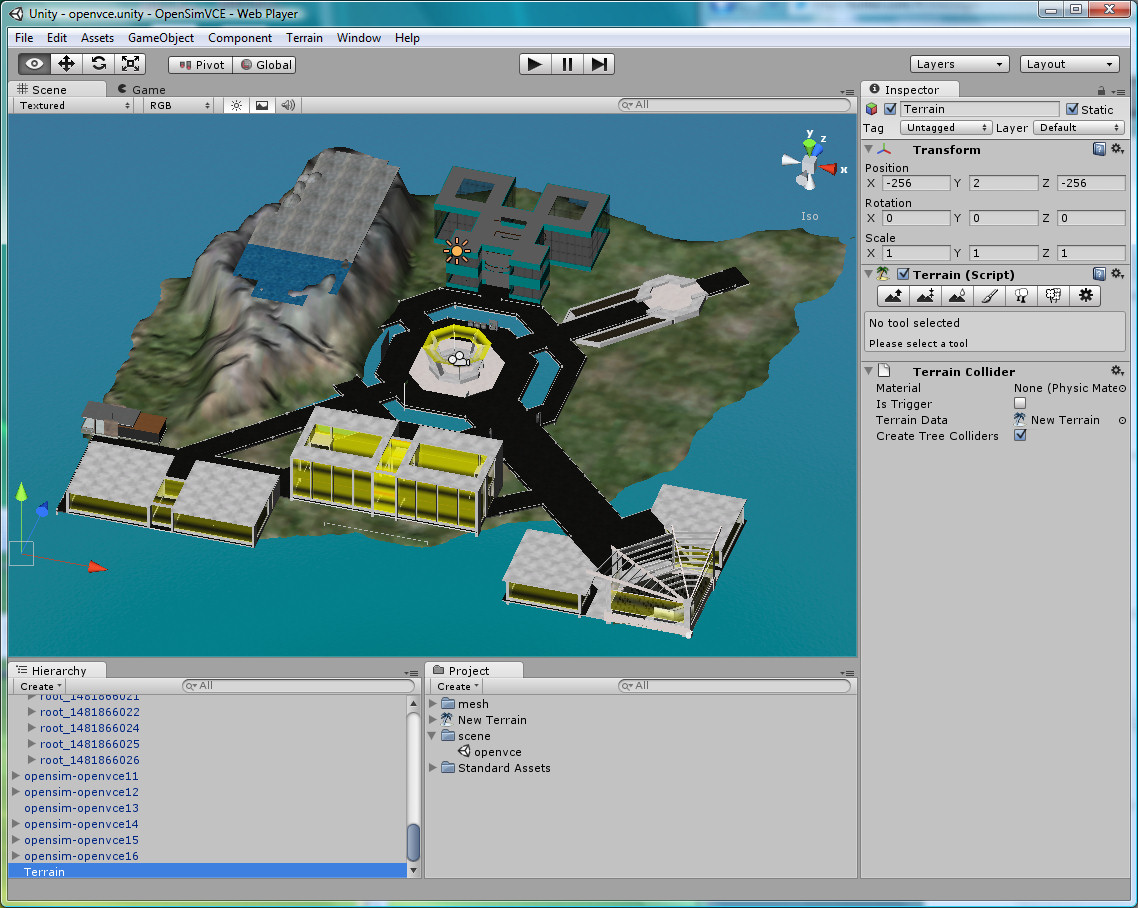
Even better, there are a number of groups interested in content exchange from OpenSim to Unity3D. An example is the recent conversion of the OpenVCE collaboration region which was originally on the Second Life VCE region, ported to OpenSim and then converted through Tipodean's Collada Converter for use in Unity3D. It is now available for use under the flexible Lesser GPL licence.
Posted by Austin Tate | 0 comment(s)
Moodle 2.2 released today (6-Dec-2011) includes a facility which allows for the embedding of tools that are provided externally as activities on courses. Close integration is possible using the IMS Global Learning Tool Interoperability (IMS LTI) standard. See http://www.somerandomthoughts.com/blog/2011/11/28/moodle-2-supports-connecting-to-ims-lti-tools/
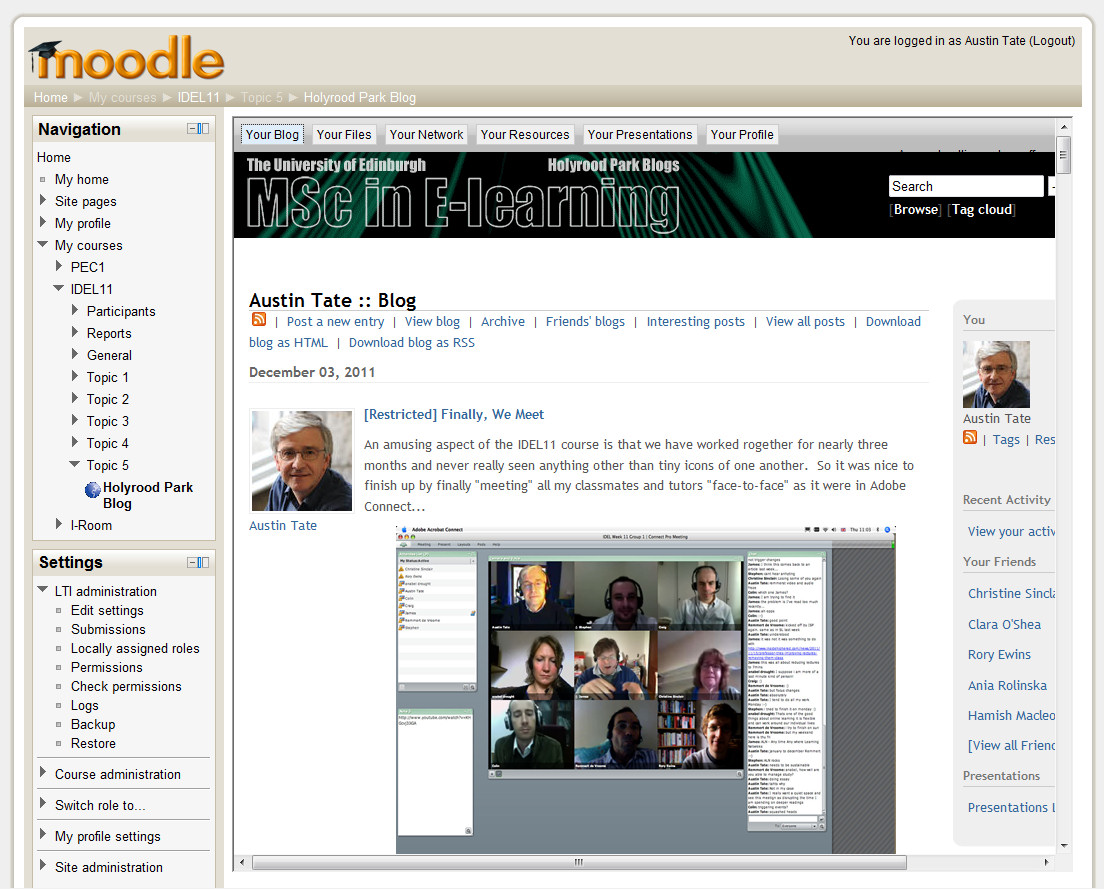
But the same mechanism allows for effectively any external tool to be easily embedded (above showing the Edinburgh MSc in e-Learning IDEL11 Course Holyrood Park ELGG Blog). The simple mechanism just means you input the URL from which the tool or contents are served. More advanced facilities allow for proper IMS LTI integration. See the image of the advanced version of the tool options.

Posted by Austin Tate | 0 comment(s)

On my research project related to supporting the OpenVCE communities at http://openvce.net/ I was engaged in setting up a new group portal on the APAN (All Partners Access Network) hosted by the US Government for non-classified work between government agencies, NGOs, organisation and individuals across the world. This replaces the previous HarmonieWeb portal. the APAN network uses the Telligent Collaboration framework to provide the usual blogs, discussion forums, wikis, group chat, etc. And then provides an Adobe Connect service attached to that for the supported communities. We provide "web observer" meeting access to virtual words meeting spaces via Adobe Connect services through these portals. I was involved in a number of training programmes and setup exercises as I took on the group owner role on APAN.
I did some further experimentation with the Unity3D platform, and used a Collada mesh translation of the OpenVCE OpenSim region buildings created via a converter service from Tipodean technologies in the USA. We are further experimenting also with the OpenSim-based MOSES grid hosted by the US Government also for work with non-government agencies internationally.
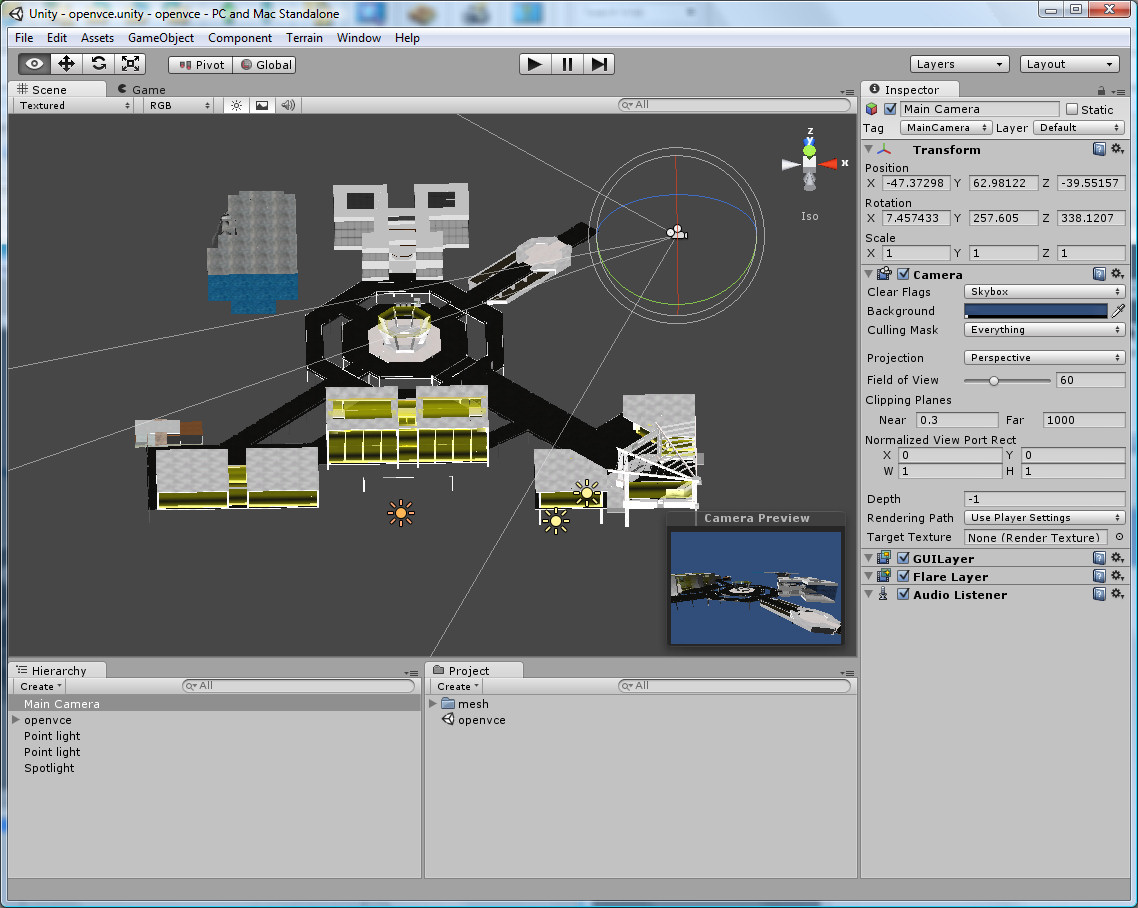
We believe that a combination of the APAN OpenVCE Group for a community web portal and a simplified meeting space in either the OpenSim-based MOSES grid or on a Unity3D setup might offer a long term stable basis for continuing work in the OpenVCE.net community. Currently a Drupal server at Edinburgh is used for the community web portal, and the virtual words service is hosted on the VCE region in Second Life.
Keywords: Adobe Connect, APAN, HarmonieWeb, IDEL11, OpenSim, OpenVCE, Unity3D
Posted by Austin Tate | 0 comment(s)
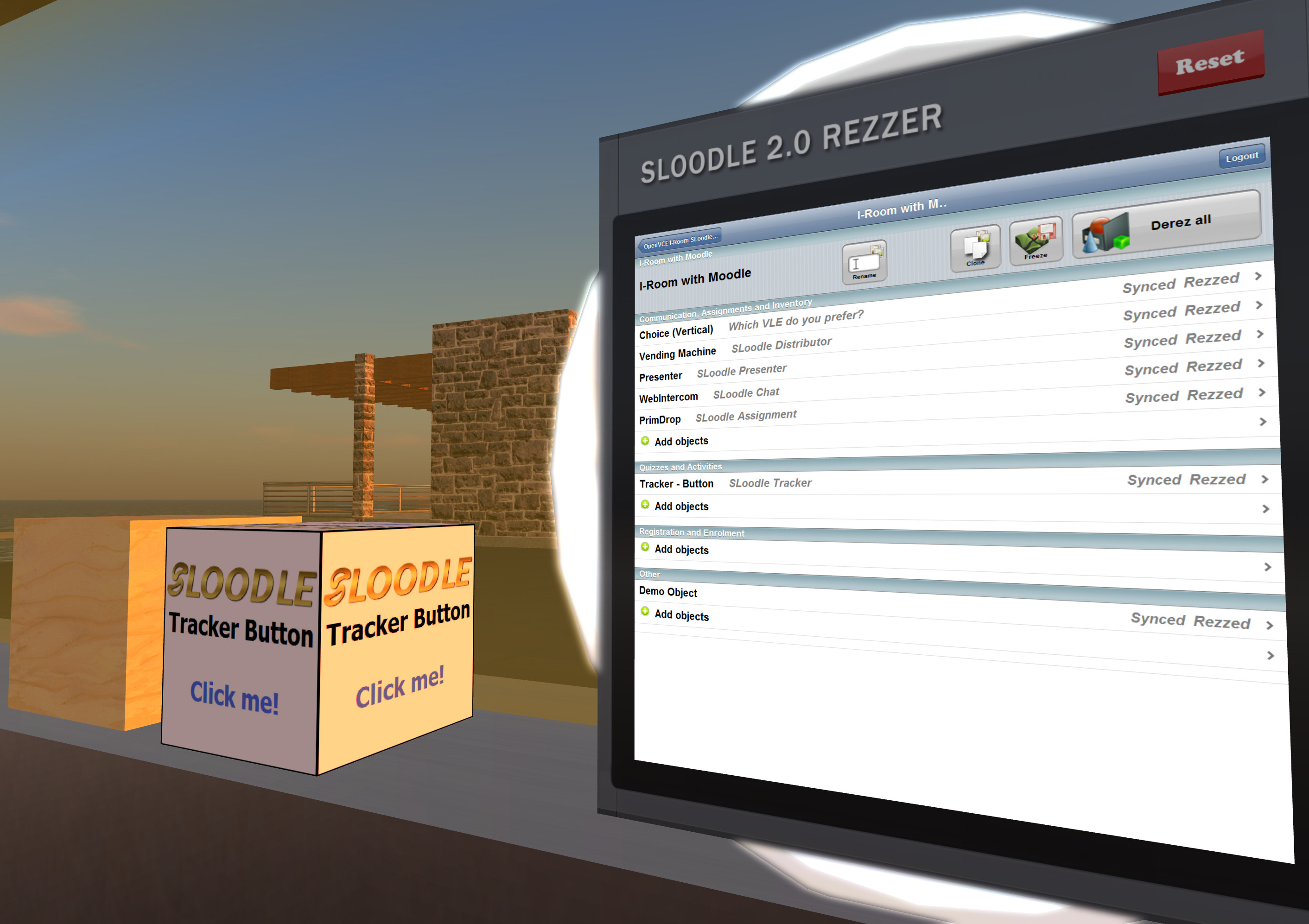
With kind support from Edmund Edgar I have been experimenting with the "Demo Object" in SLoodle, which is a stub or template for developing customised objects in Second Life or OpenSim which can connect with a corresponding module in the Moodle VLE.
Moodle Module Setup
The Moodle "demo-1.0" module is in the standard SLoodle distribution - I am using version 2.0.10 alpha. And can be found in mod/sloodle/mod/demo-1.0. The object_definitions/default.php script should be altered to "show" the object in the inworld Rezzer.
Edmund Edgar points out:
Note that if you have syntax errors in an object definition file or extra whitespace outside the PHP brackets, lots of things will break.
The in-world object will need an extra script:
.../mod/sloodle/mod/set-1.0/sloodle_rezzer_object.lsl
which deals with setting up communication with the server, and sends linked messages to any other scripts in it with information about the Moodle server it needs to connect to, and any other configuration parameters it might have.
Inworld Object Setup
You should now be able to use the Rezzer as normal to select an appropriate SLOODLE controller and scene, and then under "Other" objects you will find the "Demo Object" which you can add to the scene. After it rezzes in a default position close by the Rezzer, reposition it where you want, and then hit the "Freeze" button on the Rezzer screen to sync the current position of the scene objects.
Other Templates
There are some other objects in the SLoodle kit which can also act as guides, such as the "SLOODLE Tracker Button" which when clicked in world communicates with a Moodle module and gives a message back.
Current Status
At the time of writing I have the SLOODLE Demo Objects rezzing from the SLOODLE Rezzer, but don't yet have Moodle responding through it. Testing continues.
Keywords: IDEL11, Moodle, Second Life, SLoodle, VLE
Posted by Austin Tate | 1 comment(s)
Also see
Space Navigator device I mentioned:
Keywords: IDEL11, Second Life
Posted by Austin Tate | 0 comment(s)
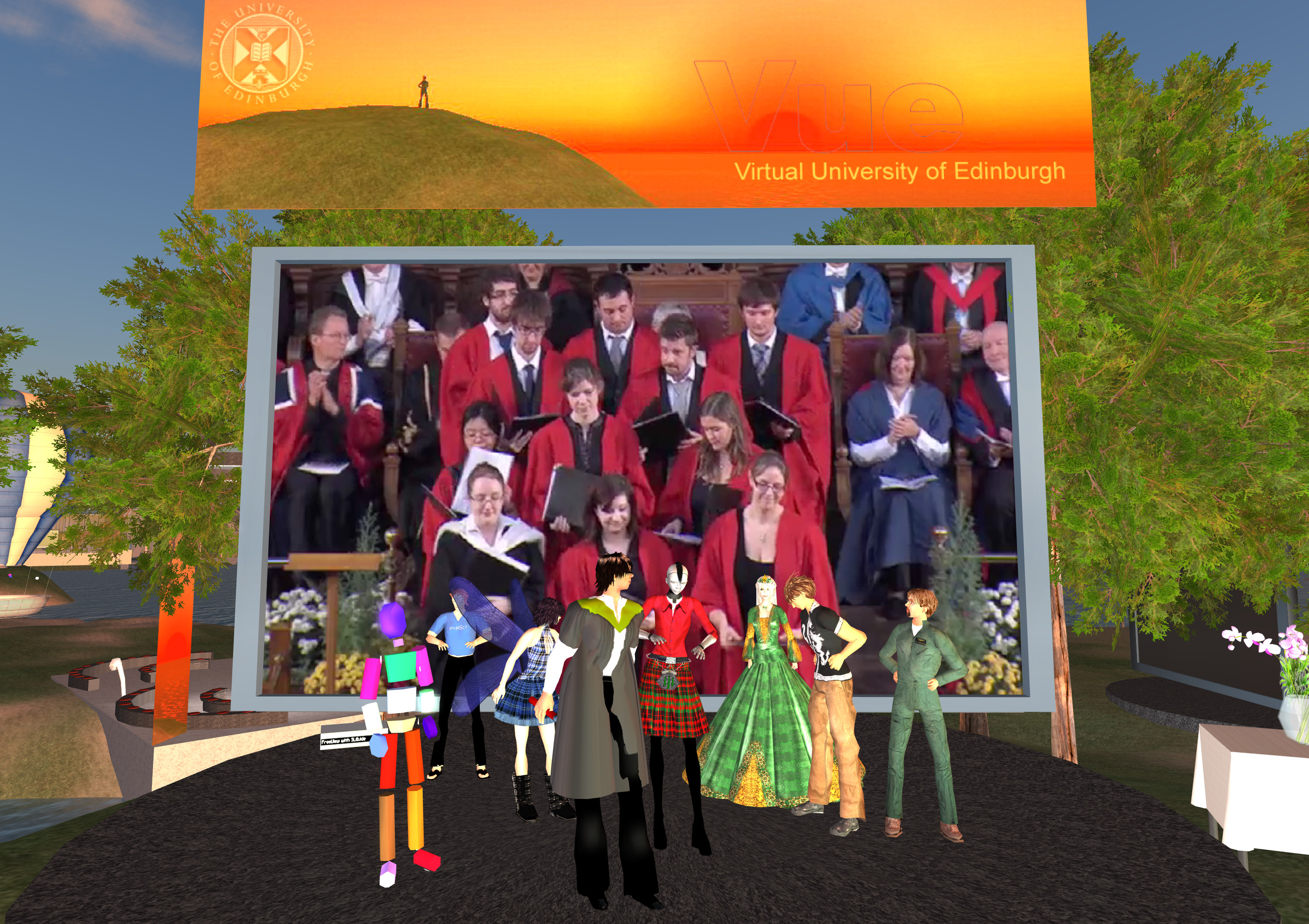
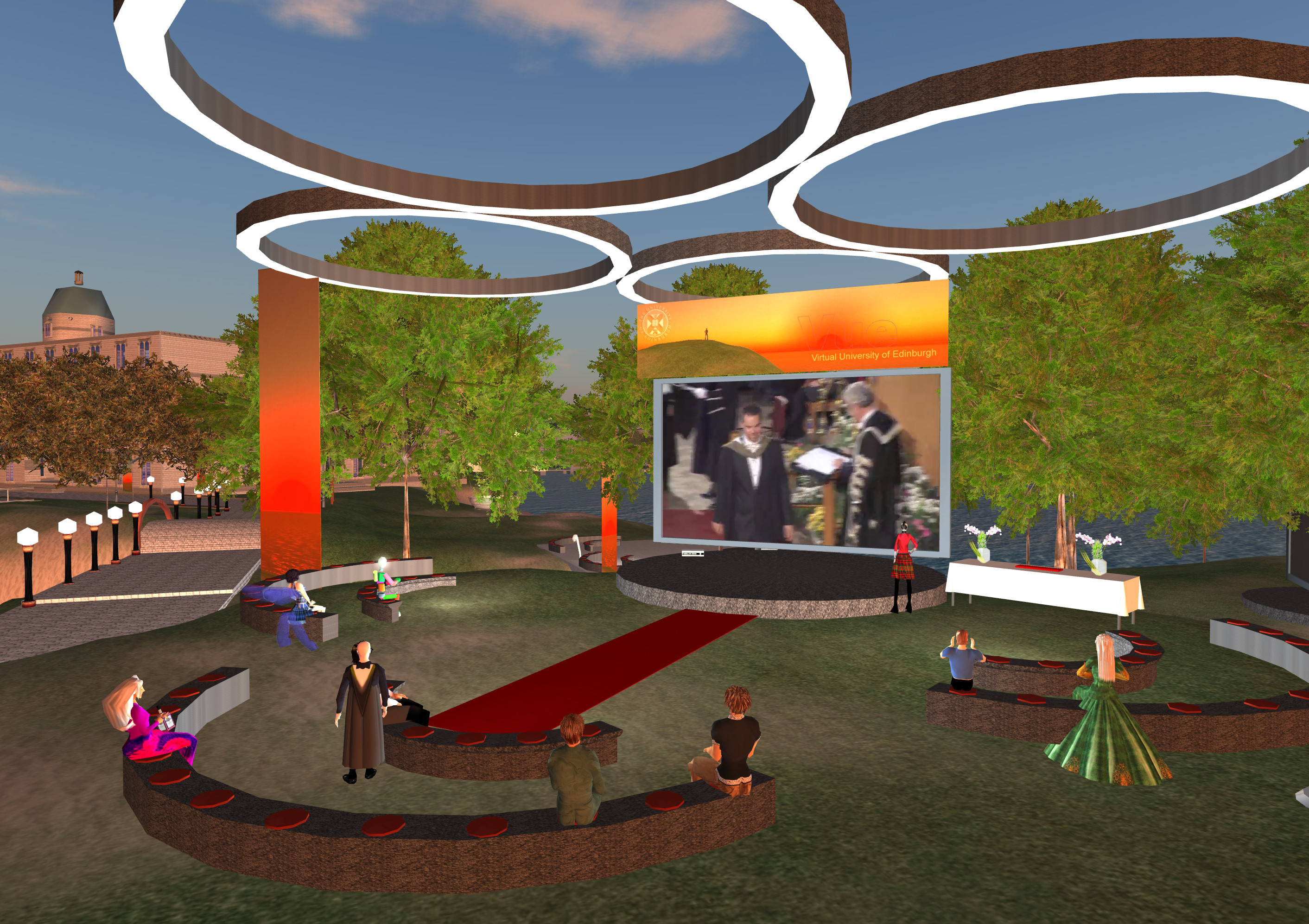
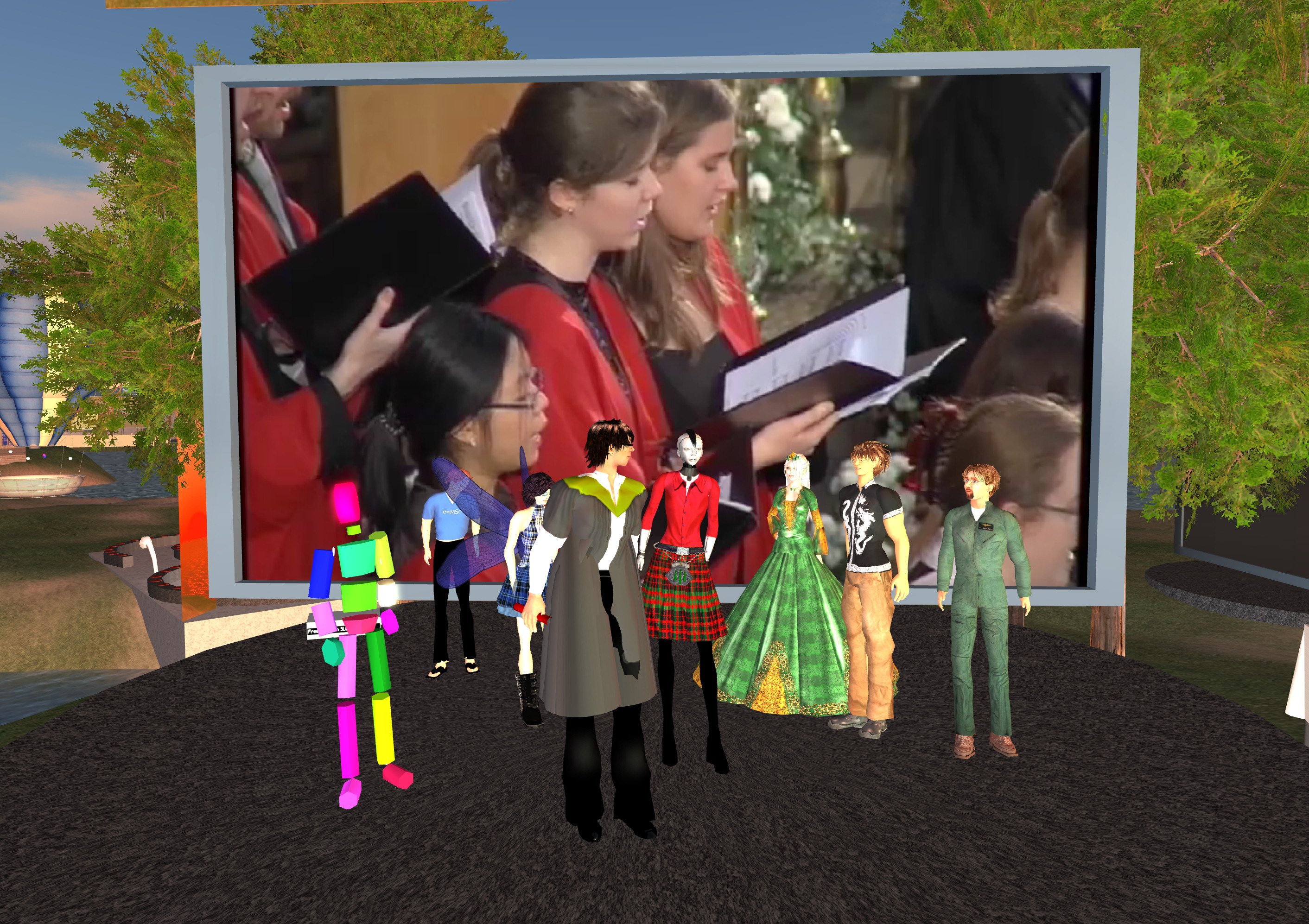
All images for the MSc in e-Learning graduates, and some overview shots are at http://atate.org/mscel/virtual-grad/
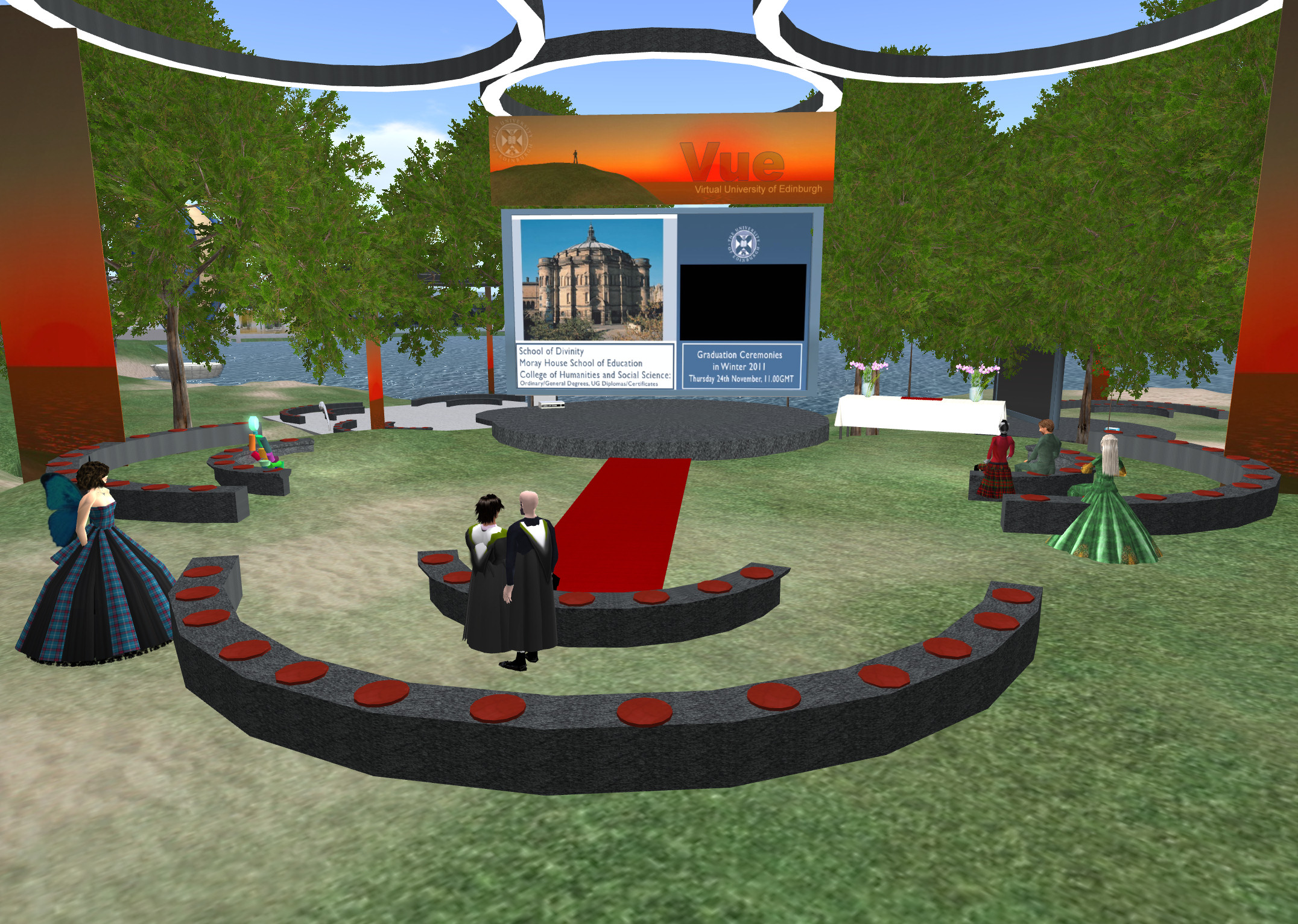
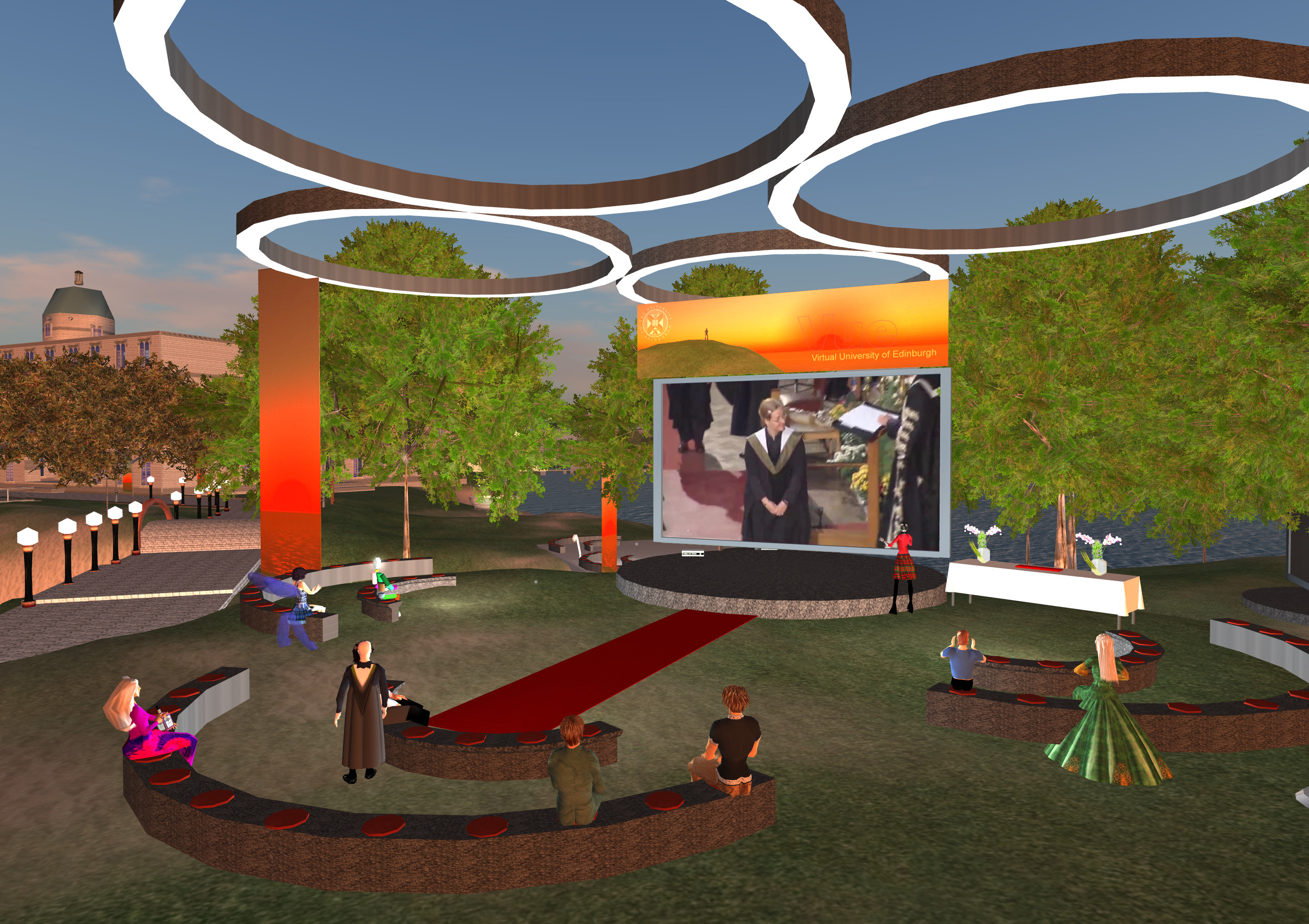
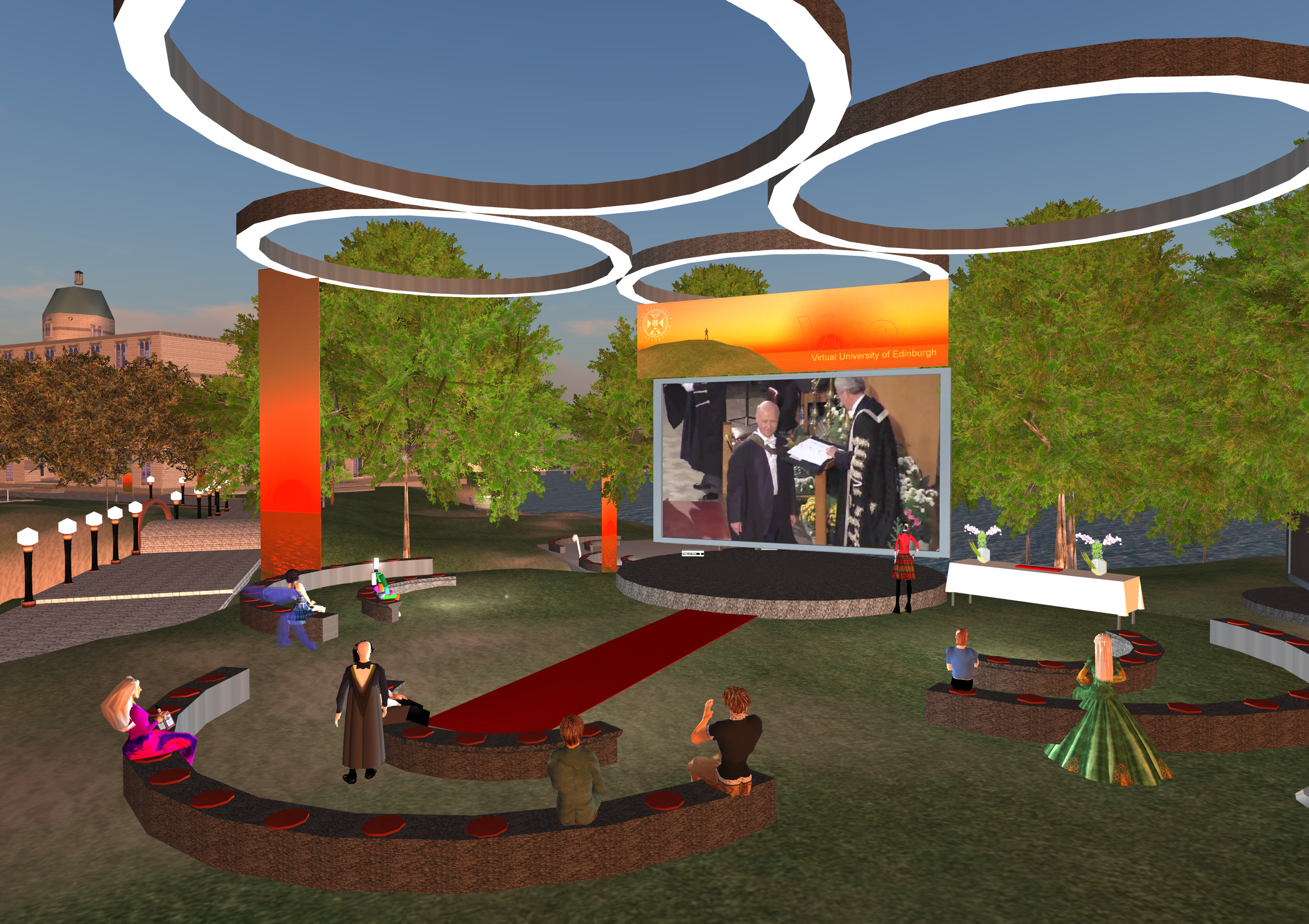
Keywords: IDEL11, Virtual Graduation
Posted by Austin Tate | 0 comment(s)
 |  |
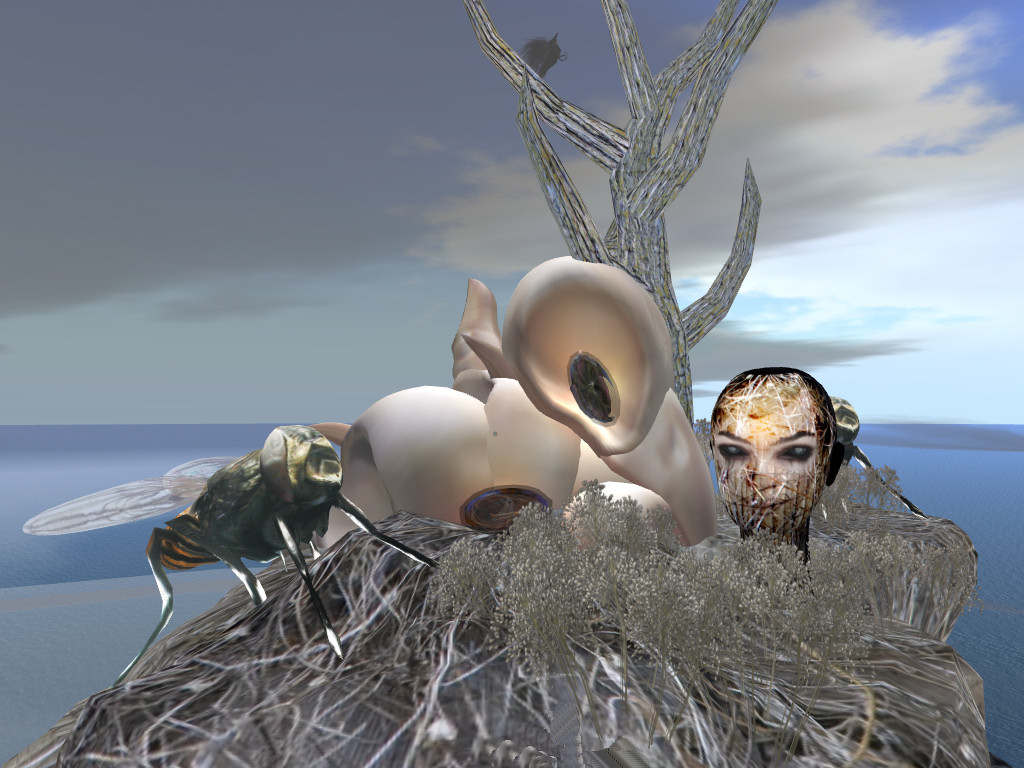 | 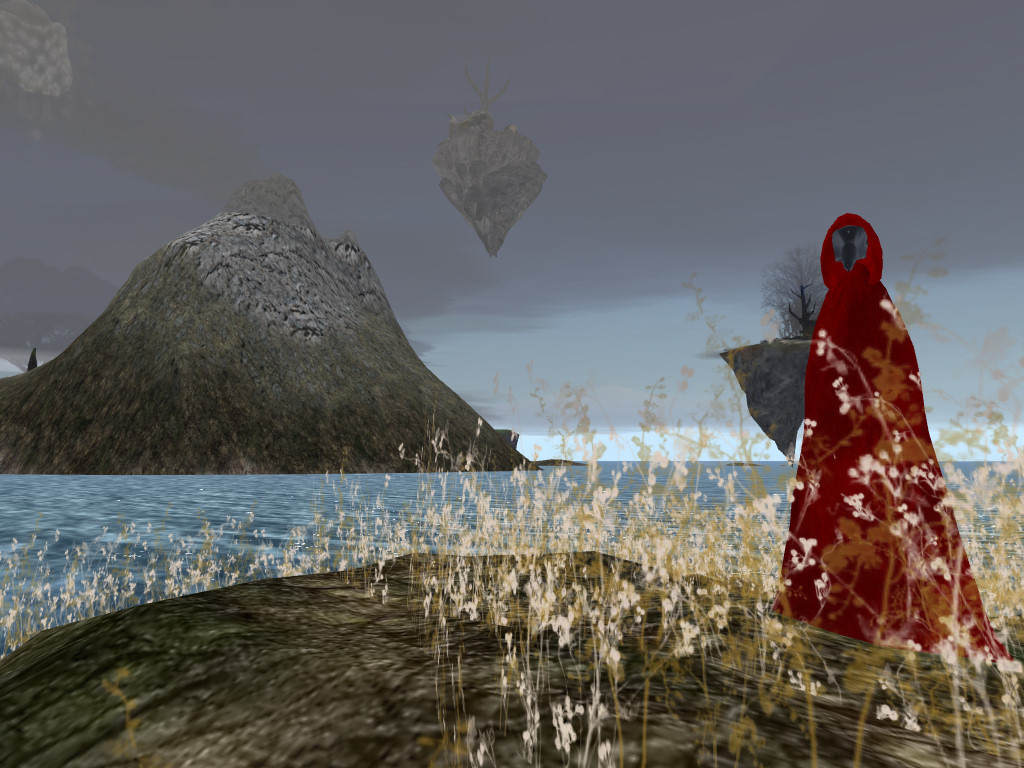 |
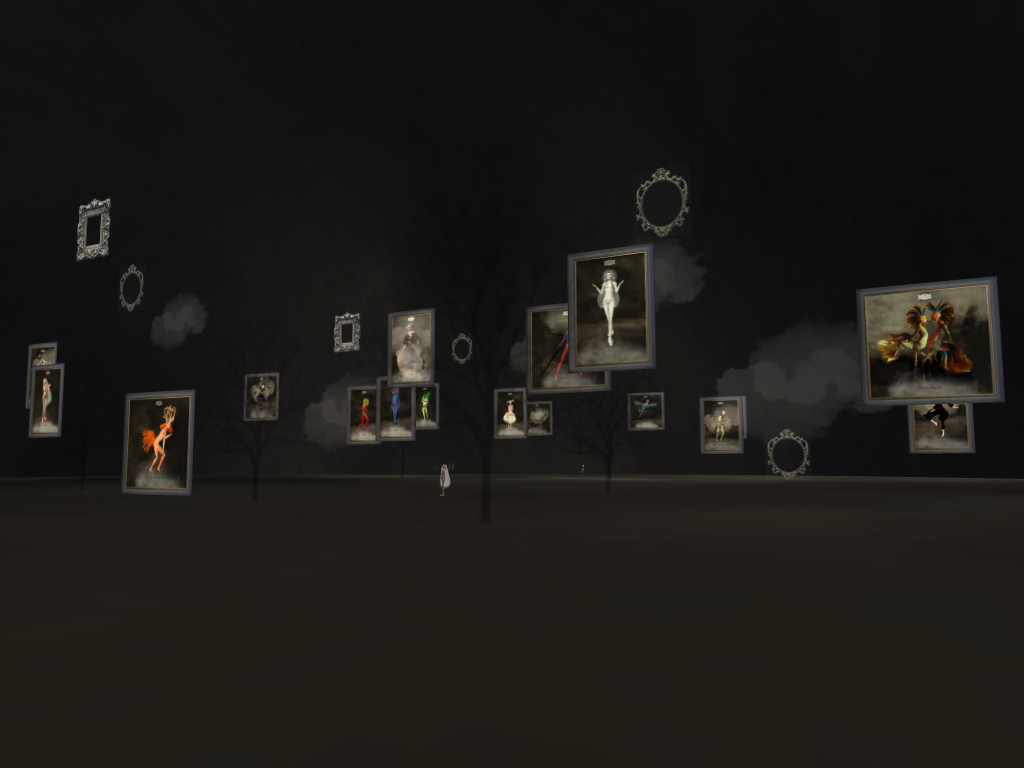
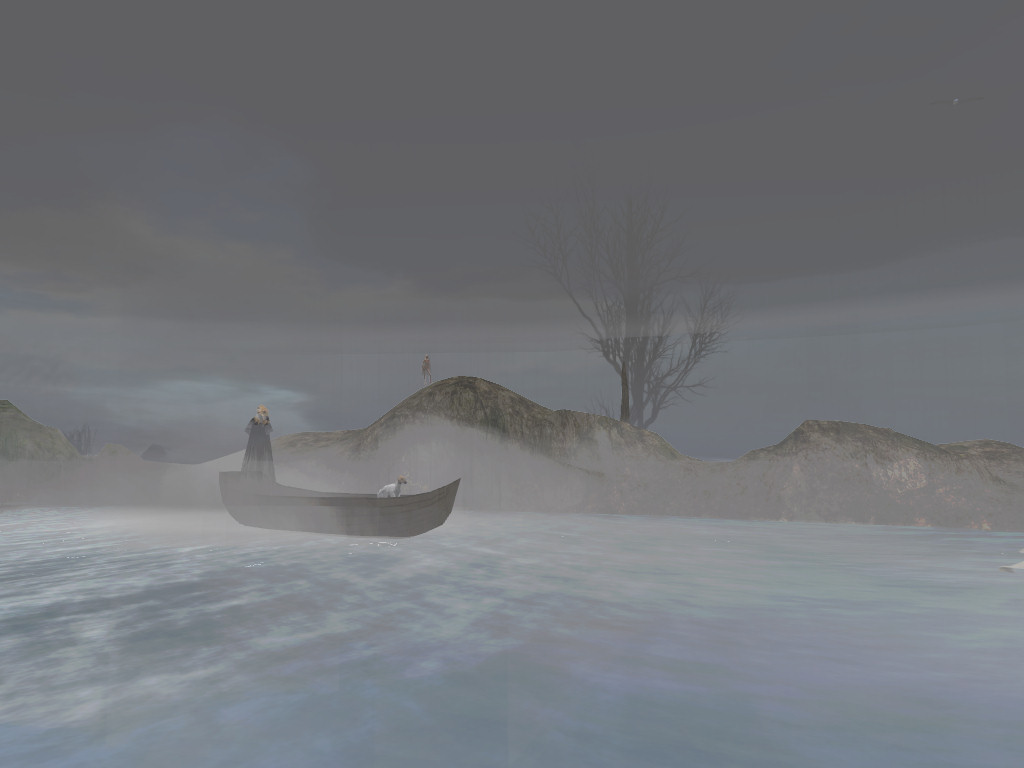
A very beautifully designed Second Life region is worth exploring. I suggest you arrive in the Meta_Body area first. Use this teleport link:
Look at the (freely available) avatars to explore your identity and see which feel strange to you, and some which might appeal. There are a few male and more female avatars available to try. Select the strangest before you embark on a tour of the lovely areas which are on the land surface, on small islands, on sky islands, and underwater. Sit for a while on some of the areas. Click on things to see what they do.
Eventually find your way to a white ice themed area with a lady playing a white piano. Try touching the black "Omega Star Dream 5" sphere for an animated tour through some of the lower elements of the region. If you cannot find this use this SLurl to get there directly:
[Reposted from EDEDC Digital Cultures Blog]
Keywords: IDEL11, Second Life
Posted by Austin Tate | 0 comment(s)
Professor John McCarthy died on 24th October 2011 at the age of 84. He was an early pioneer of computer technology, computer time-sharing, and inventor of LISP, one of the very first computer programming languages. LISP was, radically, based on symbolic computing. He was an early pioneer of Artificial Intelligence, and indeed originator of the term "AI" which was adopted following the title he gave to a conference at Dartmouth College in Vermont which John convened in the summer of 1956. John received the Turing Award, and many other accolades and honours, including the United States National Medal of Science.
John McCarthy was known to many of us in the Artificial Intelligence community as the "Father of AI", and I came to know him as very much a baby in the subject. In my student days in the early 1970s he appeared on the BBC TV program "Controversy" in debate with Sir James Lighthill on the value of research on general purpose robots alongside my PhD supervisor, Donald Michie, himself an AI pioneer and war time code breaker who had worked with Alan Turing at Bletchley Park. He wrote and communicated widely on his interests in robot decision making.
Typical of John's desire to communicate about his field was a short sci-fi story he wrote in 2001, "The Robot and the Baby" which has many interesting themes, and to me epitomises his breadth of interests, politics and fascinating opinions. A capable companion robot – “Robot Model number GenRob337L3, serial number 337942781--R781 for short” – was one of many deployed to assist people and deliberately made unappealing and emasculated by the constraints society had placed on robot use.
The story begins:
“Mistress, your baby is doing poorly. He needs your attention.”
“Stop bothering me, you …'' … “Love the … baby, yourself.”
John amusingly includes a long line of reasoning by R781 in the bracketed notation of LISP on probabilities of the baby being harmed if it disobeys its key constraints:
(= (Command 337) (Love Travis))
(True (Not (Executable (Command 337))) (Reason (Impossible-for robot (Action Love))))
(Will-cause (Not (Believes Travis) (Loved Travis)) (Die Travis))
(= (Value (Die Travis)) -0.883)
(Will-cause (Believes Travis (Loves R781 Travis) (Not (Die Travis))))
…
With this reasoning R781 decided that the value of simulating loving Travis and thereby saving its life was greater by 0.002 than the value of obeying the directive to not simulate a person. There follows a progressively escalating series of events where the whole world is watching the handling of the situation by the authorities, and commenting in real time on the event on social media - anticipating Twitter by some years.
Read the story (at http://www-formal.stanford.edu/jmc/robotandbaby.html) if you want to explore an informed opinion on the ethics, issues and dilemmas involved in human and robot interaction, which one day we may face. The story has many thought provoking elements. I personally feel for the emasculated robot that is left in the Smithsonian.
Posted by Austin Tate | 0 comment(s)
iGoogle is sometimes used as a framework for an individual’s PLE, since it provides a convenient and readily accessible “container” for a range of widgets and content items which can easily be added and removed. It is also relatively open in the types of widget and content that can be embedded.
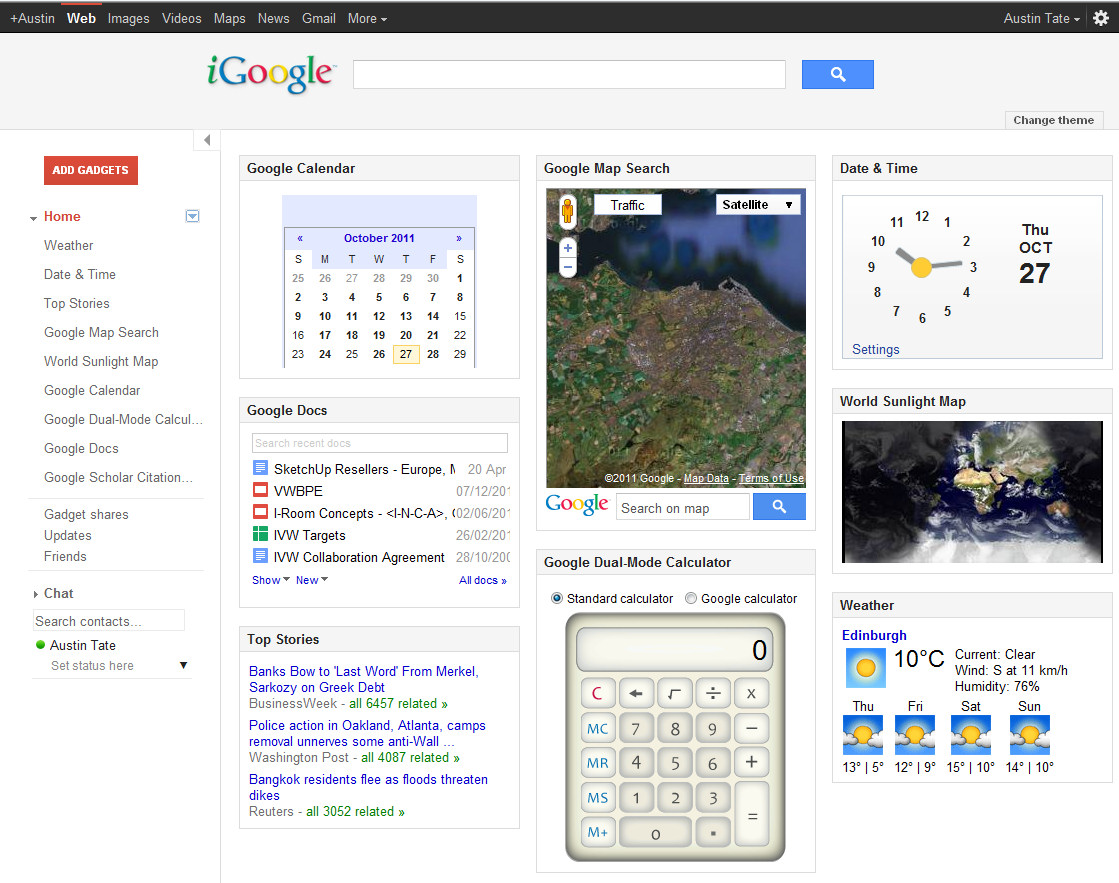
My iGoogle page is here... I occasionally have it up on a secondary computer as its convenient to have the calculator, search functions and quick links to my Google calendar, contacts, e-mail etc. I also like the world map with sun shadow widget which can be made full screen on the secondary computer screen which is a nice. Better than buying the $3,000 executive version :-)
Posted by Austin Tate | 0 comment(s)